
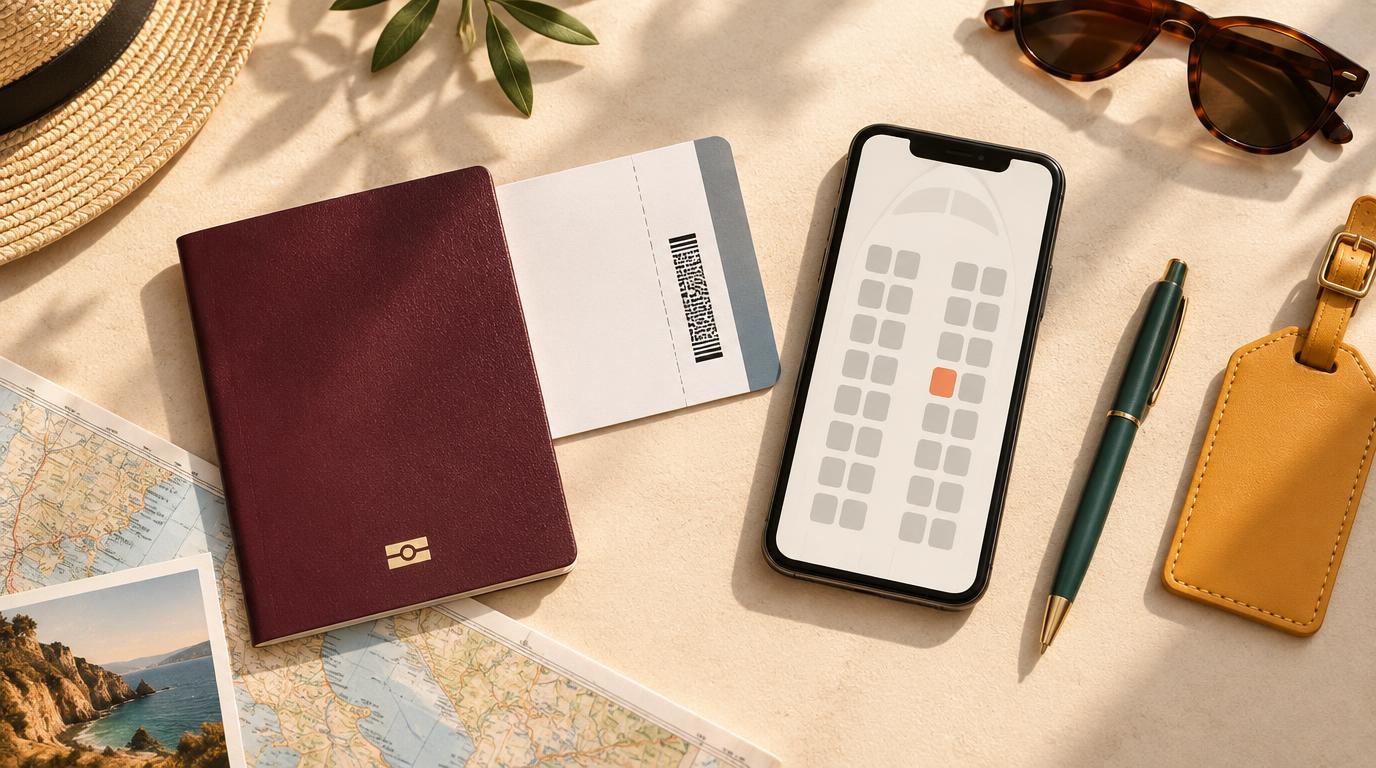
Choosing the right seat can make a flight much easier to work on. This guide covers what to check before you book, how to read a seat map, and which rows suit laptop work. It also explains how seat fees work on the main airlines, so you know what a good seat may cost.
Check the Fare and the Aircraft Before You Pay
The seat you can choose depends on the fare you buy and the plane that flies the route. Both are worth checking before payment.
- Basic economy fares: American, Delta, and United do not include free advance seat selection on basic economy. American basic economy seat selection starts at about $10 each way, and one 2026 roundup lists United from $15 per flight. Delta assigns a seat at check-in on Main Basic fares unless you pay.
- Fares outside the US: British Airways offers free seat selection at check-in on most fares but charges on Basic fares. easyJet and Ryanair charge for all seat selection and give a random seat for free if you skip it.
- Seat pitch: Standard economy pitch is about 30 to 32 inches on most mainline carriers. Emirates A380 economy seats have about 34 inches of pitch and 18 inches of width, according to a 2026 legroom roundup. Asian and Middle Eastern airlines often offer 32 to 34 inches on long-haul wide-body planes.
- Extra-legroom seats: United Economy Plus, Delta Comfort+, and American Main Cabin Extra add several inches of pitch for an extra fee. According to Kayak, seat fees change with demand and the days left before departure.
More pitch usually leaves more room to open a laptop screen at a comfortable angle. Adding the seat fee to a basic fare before comparing it with a standard fare shows the real price difference. You can compare a few itineraries on FlyBibe to weigh fare, airline, and timing together before you choose.
Read the Seat Map Like a Workspace Plan
A seat map shows where seats sit. A useful one also shows where the tray table, outlet, and storage space are.
AeroLOPA is a free seat map site with maps drawn to scale, and many travelers now use it in place of SeatGuru, the older option that closed in late 2025, according to Executive Traveller. A free AeroLOPA account lets you save aircraft for upcoming trips and sends alerts when the seat map for your flight changes.
- Outlet: Many airlines now offer power, though it may be a USB port or one outlet shared with the row. On some aircraft the shared outlet sits under the middle seat. In-seat outlets can also supply less power than a wall socket, so a laptop may charge slowly while it is in use.
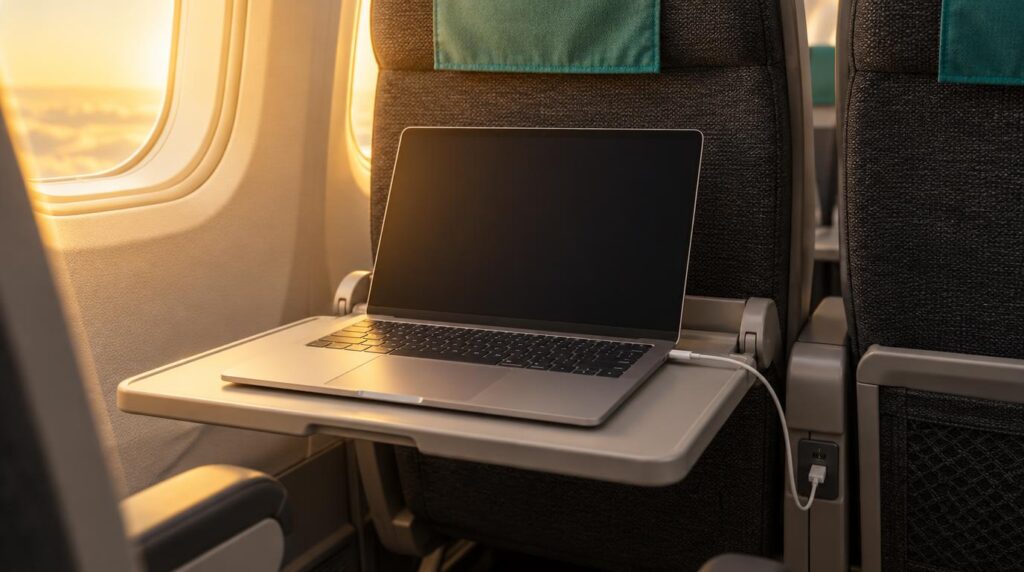
- Tray table: Patent filings for tray table accessories describe a typical economy tray as about 16.5 inches wide and 10 inches deep. A laptop built for travel with a 13 to 15-inch screen usually fits, with little space left for a drink.
- Under-seat space: Most seats have room under the seat in front for a backpack. Rows with no seat in front, such as the bulkhead, do not.
- Wifi: Wifi depends on the plane, not the seat. United and the IAG group, which includes British Airways and Aer Lingus, have announced free Starlink wifi, but the rollout reaches aircraft one by one. The comparison of which airlines suit remote workers covers wifi, seat comfort, and power by airline.
Seat maps can lag behind when an airline is refitting its cabins, so comparing a third-party map with the airline’s own map helps. Checking the map again after booking also helps, because airlines sometimes swap aircraft on the day of travel.
Pick the Row and the Letter
Each seat position has its own trade-offs for laptop work.
- Window: The shade lets you cut glare on your screen, and nobody needs to climb past you to reach the aisle.
- Aisle: Many experienced travelers favor the aisle because standing up and stretching is easy. A window shade is not available to control glare.
- Middle: A middle seat can be worth considering when the seat map shows the shared outlet under it.
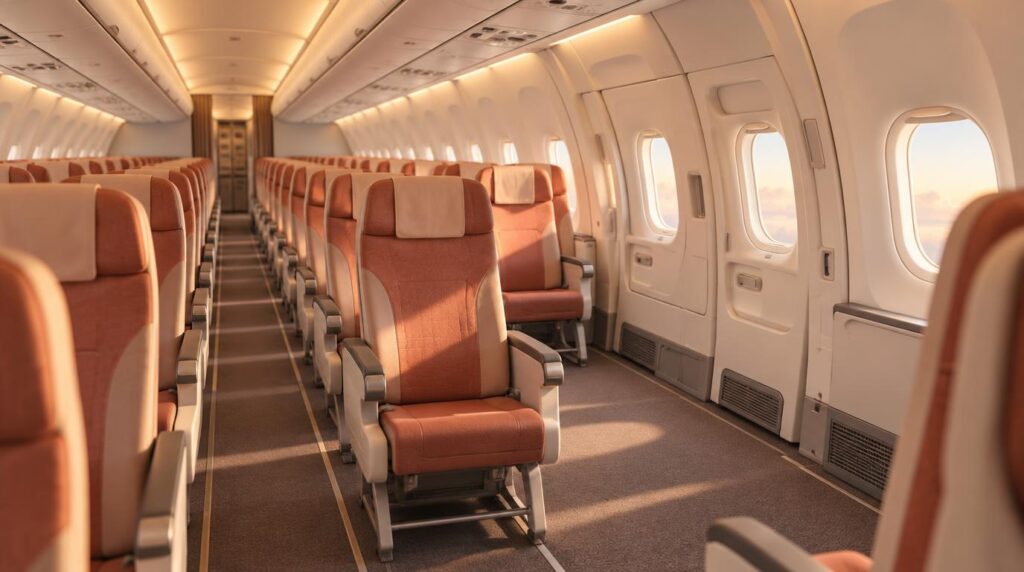
- Bulkhead: The first row of a cabin often has more legroom. The row also has no seat in front, so bags go in the overhead bin for takeoff and landing. The tray table folds out of the armrest, which cannot move and narrows the seat, and the table may feel less steady than a standard one. Lavatories or galleys often sit just in front of the row.
- Exit row: These seats have extra legroom, and the seats in front of an exit row generally do not recline, so nobody leans back into your screen. Passengers must be at least 15 years old and able to help open the exit, and a flight attendant can move anyone who cannot. On some international flights, bags must go in the overhead bin.
- Near lavatories and galleys: Lines and crew activity bring noise and movement to these rows. A pair of noise-cancelling headphones for working anywhere helps if no other seat is open.
For most laptop work, a window seat in a standard row with a known outlet and a seatback tray table is often the easiest setup. Extra legroom helps less when the tray table is hard to use or the bag cannot sit near your feet.
If the Fare Does Not Include a Free Seat
Some fares leave the seat choice to the airline unless you pay.
- Timing: Paid selection on Delta Main Basic fares opens about seven days before departure, according to one 2026 roundup.
- Fee versus flight length: A fee of $10 to $15 may be easy to justify on a long flight with a deadline. The same fee matters less on a short daytime flight with no work planned.
- Fare upgrade: On United, Delta, Alaska, and JetBlue, a standard main-cabin fare usually includes free advance seat selection, according to the same roundup.
Fees and rules change often, so the fare page for your exact flight is the final word.
Mistakes That Make a Work Seat Harder to Use
Three situations catch travelers who pay extra for a seat.
- Extra legroom without a usable tray: A bulkhead seat has more legroom, but the armrest tray and the missing under-seat space can make laptop work harder.
- An outdated seat map: A map for the wrong aircraft version may show an outlet that does not exist, since maps can be out of date when airlines refit cabins.
- Laptop timing: Laptops must be stowed during taxi, takeoff, and landing, and crews are strict about this in exit rows because an open laptop could slow an evacuation. The guide on how to work during a long-haul flight shows how to plan work blocks around those periods.
Choosing a Seat for Your Next Work Flight
A good work seat depends on a short list of checks. The fare rules, the aircraft type, the tray table position, and the outlet are worth reviewing before you pay for anything extra. If you already know where you are heading next, search flights to your next base on FlyBibe and choose the itinerary first. Then use a seat map to pick the row that gives you room to open your laptop and keep it powered.