
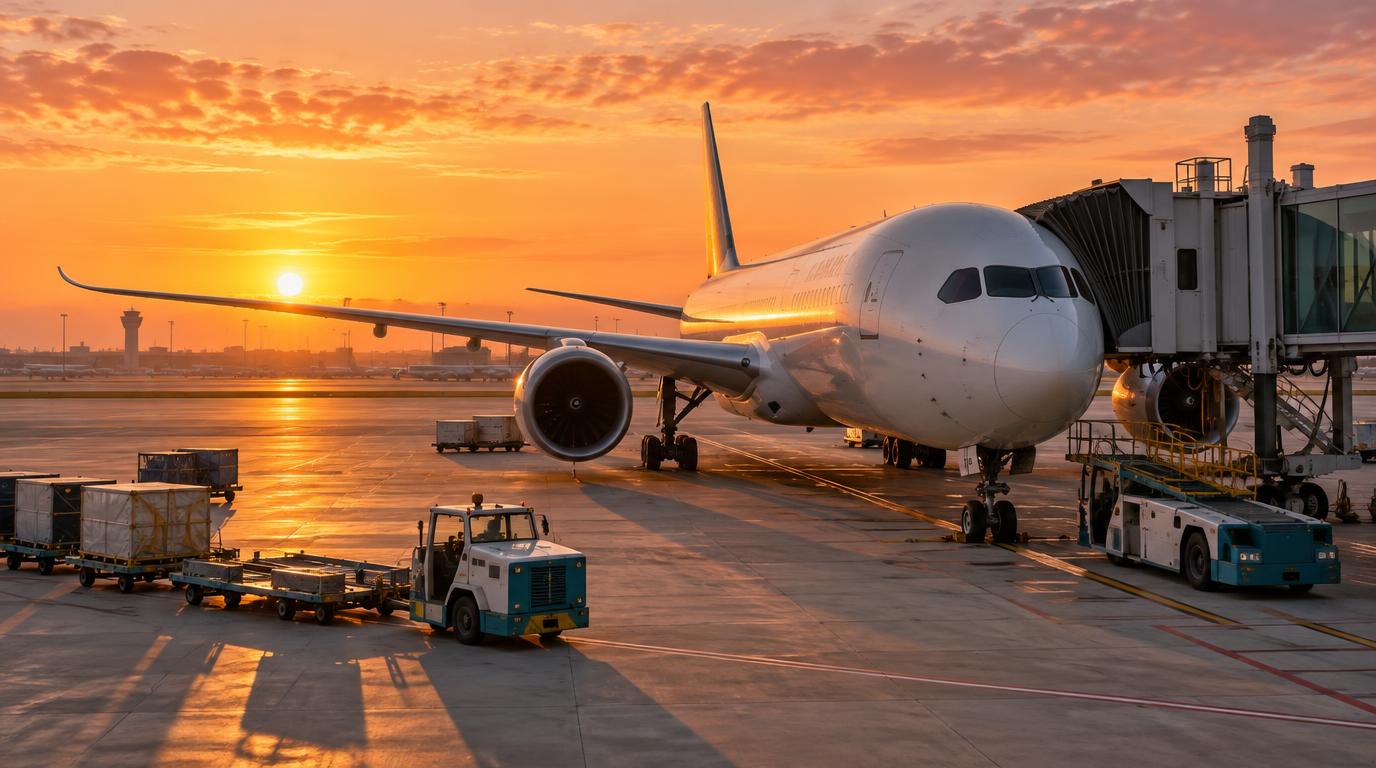
A long-haul flight gives remote workers hours with no meetings and few interruptions. The longest nonstop route, Singapore Airlines’ service between New York and Singapore, is scheduled at close to 19 hours. This guide explains how to prepare so that time turns into real work. It covers the flight, the seat, offline files, power, noise, and a plan for your hours in the air.
How to Work on a Long-Haul Flight, Step by Step
1. Choose a flight with work in mind
Wifi quality depends on the aircraft and the satellite system behind it. According to Ookla’s April 2026 report, airlines that use Starlink delivered the fastest speeds.
- Fast systems: On Starlink, United reached a median download speed of about 320 Mbps. Emirates, airBaltic, and Alaska Airlines each topped 300 Mbps.
- Older systems: United planes without Starlink tested far lower, at a median of about 56 Mbps on Intelsat and about 15 Mbps on Inmarsat.
- Work minimum: Ookla treats 25 Mbps download and 3 Mbps upload as the practical level for general work. The upload speed matters for tools such as Slack and shared cloud drives.
Ookla also found that performance depends on the specific airplane, not only the airline. A carrier with Starlink on part of its fleet may still fly an older aircraft on your route. Several airlines are still installing it. British Airways, Iberia, and Aer Lingus plan to finish over 18 to 24 months from early 2026.
Some airlines offer free wifi only to loyalty members. Alaska Airlines and Virgin Atlantic have both announced free Starlink access for members of their loyalty programs.
A full comparison of airlines for remote workers covers wifi, seat comfort, and power outlets side by side. After you narrow the list to two or three airlines, you can compare long-haul routes on FlyBibe for your dates.
2. Pick a seat that supports a laptop
Seat choice affects power, space, and noise. SeatGuru is a seat map site that shows which seats have a power outlet on many aircraft.
- Power: Most newer planes have power or USB ports, but not all of them, according to Kayak. The seat map for your exact aircraft version shows where the ports are.
- Legroom: Seat pitch is the distance from your seat to the one ahead. It runs from about 28 inches on budget short-haul planes to about 34 inches on the strongest long-haul economy seats.
- Bulkhead rows: These rows have extra legroom but no floor storage in front of you. Your bag stays overhead, which delays access to your laptop. Some bulkhead seats also recline very little.
- Window or aisle: Window seats suit sleep. Aisle seats make it easier to stand and stretch without disturbing your neighbors.
On airlines that do not charge for seat selection, the better seats can be taken months ahead. Choosing a seat at booking, or checking in online as soon as it opens, gives you a better chance of getting a good one.
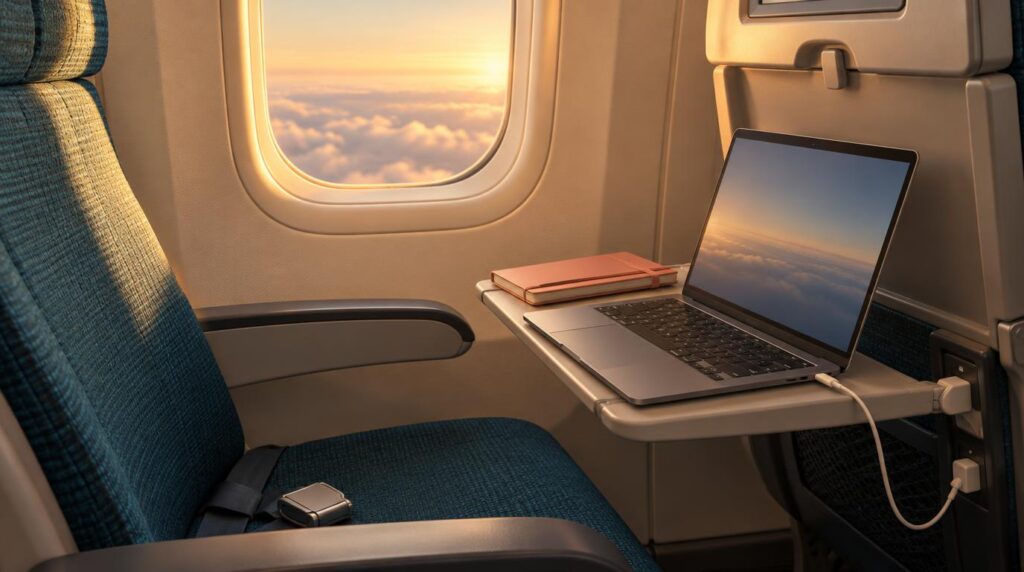
3. Prepare your files to work offline
Wifi can drop or slow down during a long flight. A writer at Zapier described great internet the whole way on a flight to Bali and a spottier connection on the flight home.
- Google Docs: Use Chrome, add the Google Docs Offline extension, and turn on the Offline setting. Then open each file you need, click File, and choose Make available offline. Google only saves recent files on its own.
- Notion: Offline mode keeps only pages you opened recently, and new pages cannot be created offline. Open the pages you need just before you leave for the airport.
- Email and files: Download attachments, PDFs, and research before boarding. Turn on offline mode in your email app so drafts send when the plane connects.
- Paper backup: A notebook handles planning, outlining, and thinking when the laptop is not an option.
A short test at home shows what fails. Switch on airplane mode, open each file, and edit one line. The test takes about five minutes.

4. Pack for power and quiet
Battery rules changed in 2026, and cabin noise adds its own strain over many hours.
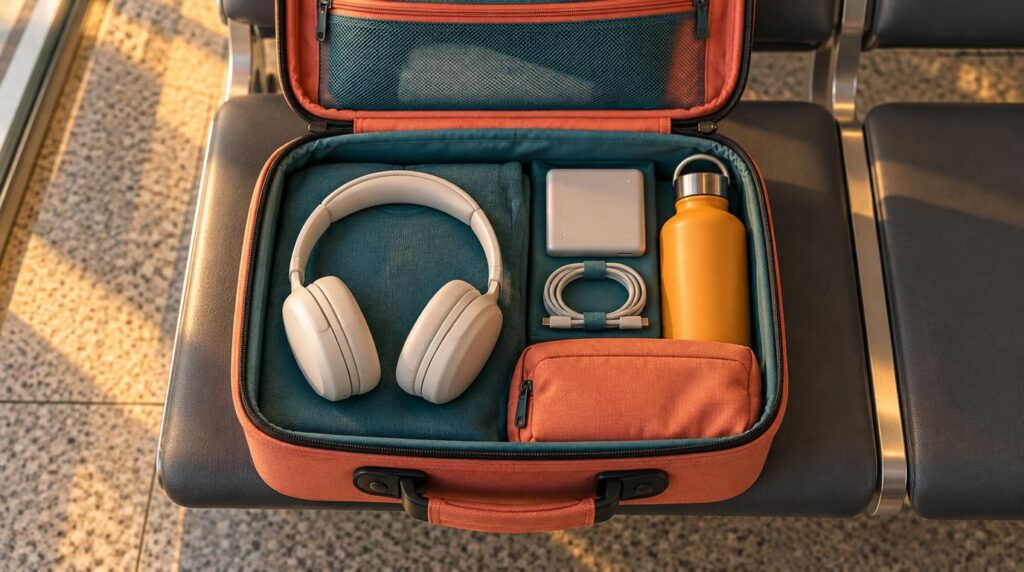
- Power banks: According to Travel Sentry, power banks go in carry-on bags only. Models under 100 Wh need no approval, and models from 100 to 160 Wh need approval from the airline.
- In-flight use: Emirates, the Lufthansa Group, and Qantas now ban using a power bank during the flight. Wego reports a global standard from March 2026 that limits passengers to two power banks and bans recharging them in flight.
- Laptop battery: With power bank use restricted, a fully charged laptop and a working seat outlet become the main power plan.
- Cabin noise: Headphone maker Soundcore reports that cruise noise in a jet cabin commonly falls between 75 and 85 dB. Takeoff can reach 90 to 95 dB. APEX reports research linking cabin noise to changes in learning, memory, stress hormones, and sleep.
- Headphones: Noise-cancelling headphones can cut perceived engine noise by roughly 20 to 25 dB, according to one aircraft noise guide.
5. Plan your hours in the air around your energy
Working for ten hours straight rarely goes well. Blocks of different work types keep the time useful.
- First hours: Concentration is usually best early in the flight, so the most important task belongs here. Start as soon as laptops are allowed. Meal service can take an hour.
- Middle hours: Alternate hard tasks with lighter ones, such as sorting email or reading.
- Thinking time: Long, uninterrupted stretches suit planning and outlining. One productivity trainer suggests asking before boarding what goals a pen, paper, and phone can achieve.
- Breaks: Stand, stretch, change position, and drink water at regular intervals.
- Last hours: After a long flight on top of a long day, thinking slows down. Routine tasks such as expense reports fit best at the end.
One frequent flyer at View from the Wing prefers to schedule long flights for a weekend or a Sunday night. The same writer prefers one short flight and one long flight over two medium ones. The plan is to sleep on the short leg and work on the long one.
6. Use in-flight wifi for light tasks
- Good uses: Messages, calendar updates, and file syncing all work well on a connection that meets Ookla’s 25 Mbps and 3 Mbps levels.
- Calls: A video call in a loud, crowded cabin is hard on you and on nearby passengers. A short voice note or a written update usually works better.
- Security: Treat in-flight wifi like any other public wifi network. Neighbors can also read your screen, so keep sensitive client files closed.
- Employer rules: Zapier advises checking with your company’s security team before working from a plane or airport.
7. Plan the first day after you land
A long flight crosses time zones, so the work does not end at the gate.
- Clients: Tell clients about the travel day ahead of time. Move meetings on arrival day when possible.
- Workload: Plan light work after landing, such as email and planning. Leave deep work for the next day.
- Sleep: A separate guide explains how to beat jet lag while still hitting deadlines.

The Most Common Mistake Is Counting on Wifi
Many travelers plan the whole flight around a connection that may not work. Coverage can drop or slow down on some routes. Alaska Airlines describes northern routes between North America and Asia or Europe as a known trouble spot for older systems. Even Starlink only helps when the aircraft has it installed.
A better plan finishes the main task offline and treats wifi time as a bonus. Wifi then becomes a way to send the finished work.
Book a Flight That Fits the Way You Work
A long-haul flight can give you a long block of focused work when you plan the aircraft, seat, files, and power ahead of time. A fast wifi system helps, but a plan that works offline protects your deadlines on any route. When your dates are set, find your next long-haul flight on FlyBibe and compare routes that suit the way you work.