

This list covers the gear that earns its place in a bag meant to last months, not one long weekend. Every pick below comes with a real spec, a real price, and a real trade-off, because a list built for a week in Cancun does not hold up through Bali humidity, Lisbon cobblestones, and a dozen airport security lines in between. Pack these eight, and there is no scrambling for a replacement charger or bag three countries in.
What this list filters for
This is filtered for weight, durability across climates, and genuine multi-country use, not just length. Every item here either replaces two or three single-purpose gadgets or solves a problem long-term travelers actually run into: unreliable outlets, patchy wifi, public networks, and months of wear a one-week traveler’s gear never sees. Specs and trade-offs are listed next to each pick, since the “best” option in every category depends on how much weight or money someone is willing to trade for convenience.
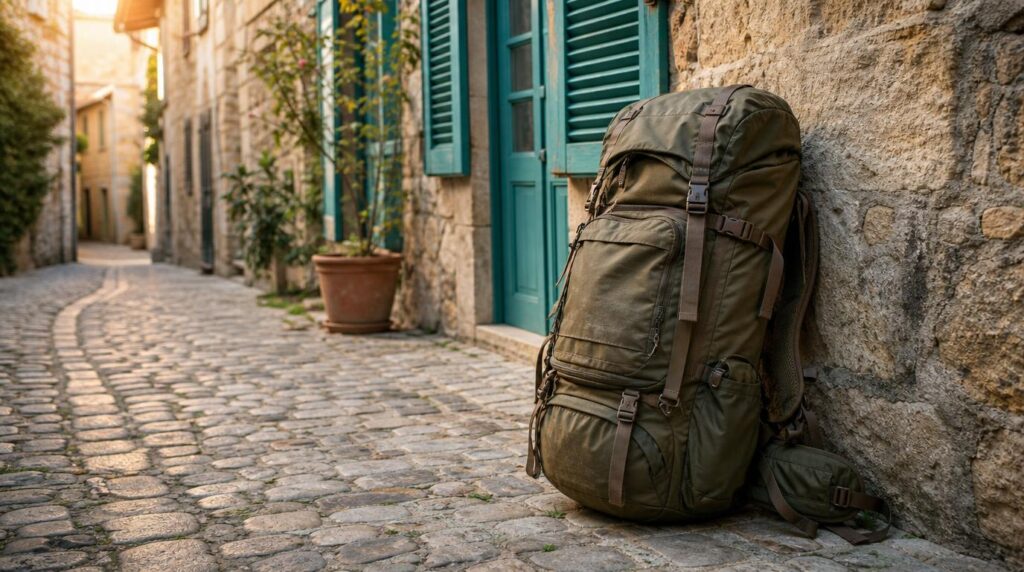
1. Osprey Farpoint 40
The bag matters more than anything packed inside it, since it is the one item used every single day, through security lines, overnight buses, and cobblestone streets a roller suitcase never handles well.
- Capacity: 40L, sized for 5-7 days of clothing plus a full tech kit.
- Price: $170.
- Carry-on compliance: fits most major airlines’ carry-on dimensions, keeping checked-bag fees and lost luggage off the table.
- Build: dedicated laptop sleeve, adjustable torso length, and a hip belt that keeps weight off the shoulders on longer walks.
The trade-off shows up next to pricier options like the $350 Tortuga Travel Backpack, which adds a suitcase-style clamshell opening and heavier suspension for roughly double the price. For city-to-city moves rather than daily hour-long walks under a full load, the Farpoint’s simpler design covers the actual use case without paying for features that go unused.
Best for: nomads who want carry-on-only reliability without paying for a premium suspension system they won’t use daily.
2. Eagle Creek Pack-It Reveal Cube Set
Once the bag is picked, what keeps six months of climate changes wearable is the system inside it. A 40L backpack turns into chaos within about three days without one.
- Set: XS/S/M cubes, sized separately for accessories, t-shirts and underwear, and jeans or sweaters.
- Weight: roughly 190g for the full three-piece set.
- Material: 100% recycled, water-resistant 300D polyester with self-repairing zippers.
- Price: $50-60.
The mesh top on the smaller cubes means digging through a bag at 6am for one sock doesn’t turn into unpacking everything else. For travelers crossing climate zones, the real value is swapping a warm-weather cube for a cold-weather one during a layover instead of repacking the entire bag.
Best for: any route that crosses more than one climate zone in a single trip.

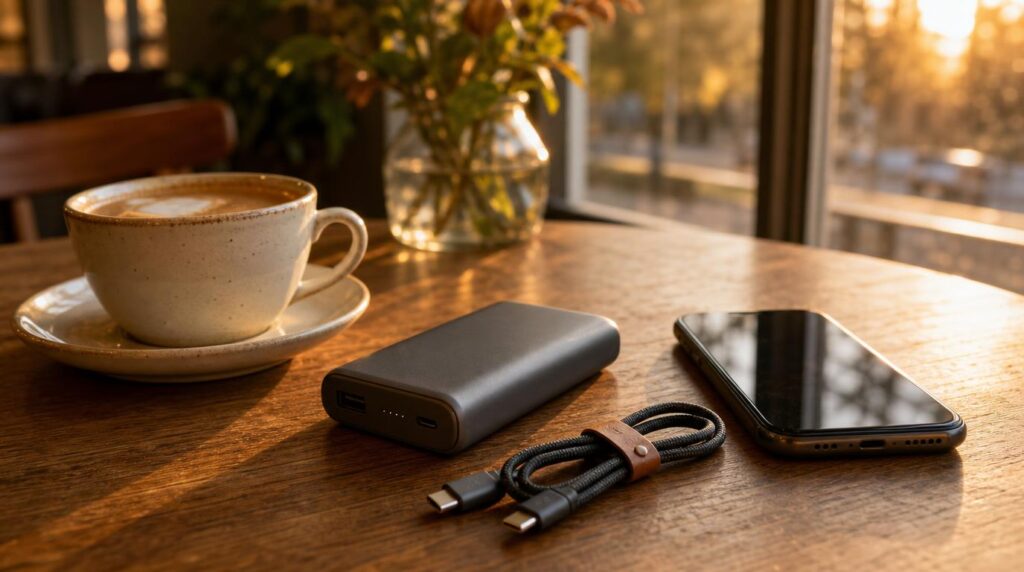
3. Anker 737 PowerCore 24K
A dead phone in an unfamiliar city, with a 9-hour timezone gap from the home office, is a bigger problem for a remote worker than it is for a tourist.
- Capacity: 24,000mAh (86.4Wh), under the TSA’s 100Wh carry-on limit.
- Output: 140W USB-C PD 3.1, enough to charge a laptop and phone at the same time.
- Price: $110.
- Weight: 1.1 lbs.
That 140W output matters specifically for one-bag travel, since it means skipping a separate laptop charger on shorter trips. The trade-off is weight: Anker’s own 27,650mAh Prime model holds more charge and more total wattage but weighs around 40% more, so the 24K sits at the point where capacity still fits in a daypack without noticeable drag.
Best for: remote workers who need to charge a laptop mid-day, away from an outlet.
4. EPICKA TA-105 Pro (GaN 70W)
Between Type A, C, G, and I plugs, a nomad hitting three or four regions a year needs one adapter, not a drawer full of them.
- Coverage: 200+ countries and regions across four plug types.
- Output: 70W GaN across 3 USB-C and 2 USB-A ports, plus an AC outlet, enough to fast-charge a laptop.
- Price: $49.99.
- Safety: built-in fuse, safety shutters, RoHS/CE/FCC certification.
One gap worth planning around: it does not cover Type D (India) or Type M (South Africa) sockets, so either leg needs a separate adapter. It also isn’t a voltage converter, though that rarely matters since most modern laptop and phone chargers already accept 100-240V input.
Best for: covering the most common nomad hubs in one adapter, with a specific gap to plan around for India or South Africa.
5. Airalo eSIM
Arriving without data means no maps, no translation, and no way to confirm tonight’s address, which makes an eSIM one of the first things worth setting up before a flight lands.
- Coverage: 200+ countries and territories through local, regional, and global plans.
- Entry price: local plans from $5 for 1GB over 7 days.
- Global plan: from $15 for 3GB over 30 days, covering 130+ countries on one eSIM.
- Setup: installs from the app before departure and activates on arrival.
The catch on “unlimited” plans elsewhere in this category is usually a daily cap, often around 3GB before throttling to 1Mbps, which is fine for messaging and maps but not for video calls. For actual workdays, fixed-data plans priced per GB tend to be more predictable than an unlimited label that isn’t quite unlimited.
Best for: testing connectivity in a new country before committing to a longer local plan.
Related: eSIM vs local SIM vs portable wifi hotspot for nomads

6. NordVPN
Coworking wifi and hostel networks are convenient, and also exactly the kind of public connection client work shouldn’t run over unencrypted.
- Servers: 9,500+ servers across 149 countries.
- Price: from $3.49/month on a multi-year plan.
- Notable feature: works in China and the UAE, where some VPNs get blocked outright.
- Extras: built-in ad and malware blocking.
That access in China and the UAE is worth weighing before booking a route through either, since a VPN that stops working exactly when it’s needed defeats the point. Cheaper alternatives exist, but this is the reason it keeps showing up on nomad-specific gear lists rather than general travel ones.
Best for: anyone doing client work over public wifi across multiple countries, including ones with restricted internet.
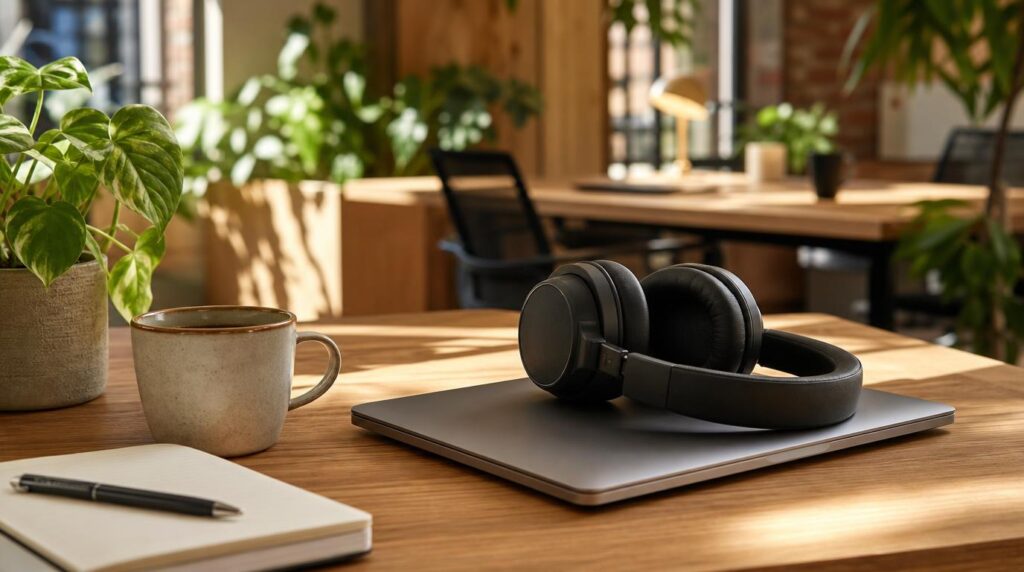
7. Sony WH-1000XM6
A coworking space or hostel common room is rarely quiet, and noise-cancelling headphones do double duty as a focus tool and a call-quality upgrade for client meetings.
- Battery: 30 hours with ANC on, 40 hours with it off.
- Price: $450.
- Charging: 3 minutes on USB-C returns roughly 3 hours of playback.
- Mics: a 12-microphone array built for clearer calls over background noise.
The price is the real trade-off against the field of $70-100 budget ANC headphones, but the difference shows up specifically on video calls, where the mic array keeps a voice clear over café noise in a way cheaper models don’t. For anyone taking client calls from a rotating cast of cafes and coworking spaces, that’s the feature actually being paid for.
Best for: remote workers who take client calls from noisy shared workspaces.
8. Roost V3 laptop stand
Hunching over a laptop on a hostel bed or a low café table for months adds up, and a laptop stand is one of the lightest fixes available for it.
- Weight: 170g (6 oz).
- Folded size: 1″ x 1.5″ x 13″, small enough for a laptop sleeve pocket.
- Height settings: 7 positions, adjustable to eye level.
- Price: $89.95.
It sits at the pricier end of its category, since budget options like the Nexstand K2 cover similar height adjustment for under $50. The Roost’s edge is durability under daily folding, where cheaper plastic hinges tend to wear out after roughly 18 months of regular travel use.
Best for: anyone working from cafes or shared desks daily who wants to skip the neck strain without adding real weight.

Search flights and get moving
These eight cover the gap between packing for a week and packing for a life on the move: a bag built for daily carry, a way to charge and stay connected in any country, and enough comfort to actually get work done between destinations. None of it needs buying at once. Start with the backpack and power setup, then add the rest as the trip stretches longer. Once the packing list is sorted, search flights on FlyBibe and get moving.