
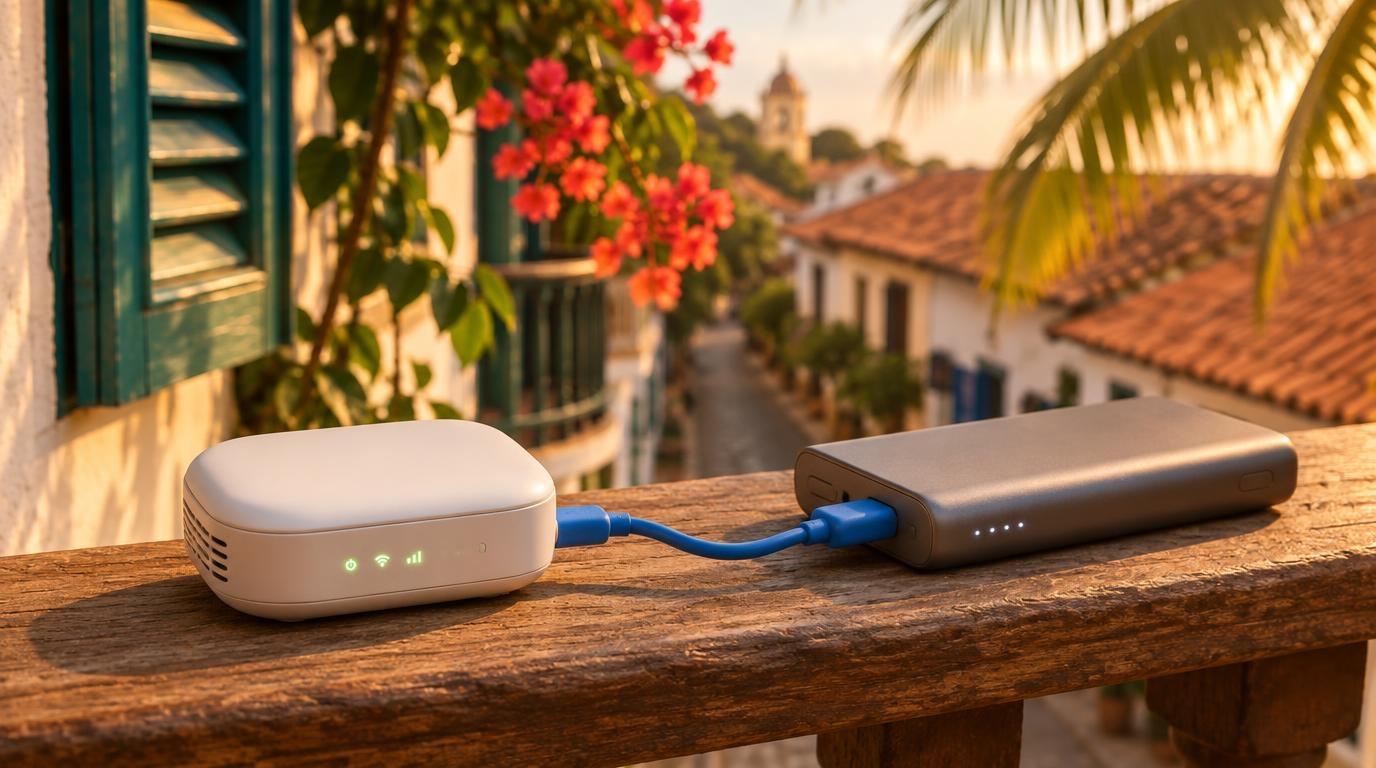
A travel router joins hotel or Airbnb wifi once and shares that connection with all of your devices. The list covers seven models, with prices, speeds, and the limits of each one. The article also explains how login pages and device limits work, since both can cause hotel wifi trouble.
How These Travel Routers Were Chosen
The list looks at what matters in a hotel room or short-term rental. Each router needed to join wifi or plug into Ethernet, handle a login page, run a VPN, and charge over USB. Specs and prices come from each maker’s own page where one was available, checked on November 16, 2026. Prices change often, so the figures below are a starting point.
The order runs from the best overall balance of price and features to the cheapest options. GL.iNet appears several times because the company publishes detailed hotel wifi setup guides, which made its routers easier to check against official sources.
| Router | Price checked | Wifi standard | Wired WAN port | Weight |
|---|---|---|---|---|
| GL.iNet Beryl AX | $98.99 | Wi-Fi 6 | 2.5G | 196 g |
| GL.iNet Beryl 7 | $129.99 | Wi-Fi 7 | 2.5G | 205 g |
| TP-Link Roam 7 | $109.99 at launch | Wi-Fi 7 | 2.5G | Not listed |
| ASUS RT-AX57 Go | About $109 to $130 | Wi-Fi 6 | 1G | About 200 to 210 g |
| Cudy TR3000 | $69.99 to $89.99 | Wi-Fi 6 | 2.5G | 160 g |
| GL.iNet Opal | $39.99 | Wi-Fi 5 | 1G | 145 g |
| GL.iNet Mango | $29.99 | Wi-Fi 4 | 100 Mbps | 40 g |
1. GL.iNet Beryl AX (GL-MT3000)
The Beryl AX is a pocket-sized Wi-Fi 6 router that handles most hotel setups. GL.iNet’s US store listed it at $98.99 for the plug variant that fits the US, EU, and UK.
- Wifi: Up to 574 Mbps on 2.4 GHz and 2,402 Mbps on 5 GHz.
- Ports: One 2.5G WAN port, one gigabit LAN port, and one USB 3.0 port.
- VPN: WireGuard up to 300 Mbps and OpenVPN up to 150 Mbps in client mode over Ethernet, according to GL.iNet.
- Size and power: 196 g, 120 x 83 x 34 mm, powered over USB-C at 5V/3A.
In a hotel, the router joins the wifi in repeater mode or plugs into a wall Ethernet port. The hotel network sees one device, which helps when a hotel limits how many devices each room can use. One owner reports on a personal blog that the Beryl AX occasionally has trouble with login pages. Reading GL.iNet’s troubleshooting steps before a trip, which appear later in this article, can save time at check-in.
Best for: Most remote workers who want one reliable router at a moderate price.
2. GL.iNet Beryl 7 (GL-MT3600BE)
The Beryl 7 is the newer Wi-Fi 7 version of the same pocket design. GL.iNet’s US store listed it at $129.99, which is $31 more than the Beryl AX.
- Wifi: Dual-band Wi-Fi 7, up to 688 Mbps on 2.4 GHz and 2,882 Mbps on 5 GHz.
- Ports: Two 2.5G Ethernet ports, one USB 3.0 port, and one USB-C power port.
- VPN: WireGuard up to 1,100 Mbps and OpenVPN-DCO up to 1,000 Mbps in client mode.
- Size and power: 205 g, 120 x 83 x 34 mm, with USB-C Power Delivery.
GL.iNet measured the VPN figures on a local network. Real speed depends on the hotel connection, which is often far slower than these numbers. Devices without Wi-Fi 7 still connect, but they will not use its extra speed. On a typical hotel connection, the faster router may rarely make a visible difference.
Best for: Remote workers with Wi-Fi 7 laptops, a fast wired connection, or heavy VPN use.
3. TP-Link Roam 7 (TL-WR3602BE)
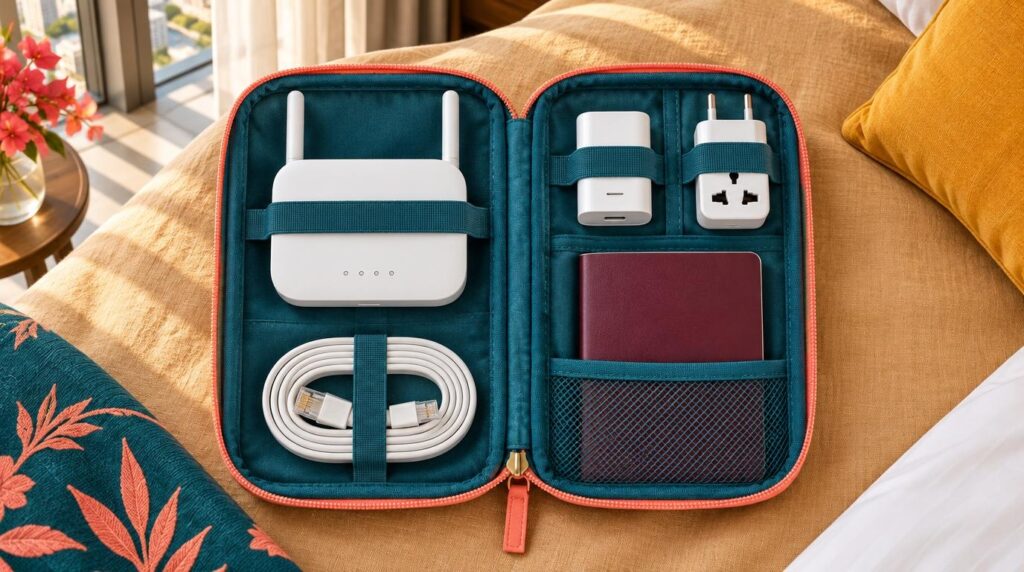
The Roam 7 is built around a one-step login for public wifi. TP-Link calls the feature One-Step Captive Portal Login and says the login runs through its Tether app. Launch coverage also mentions the router’s web interface as an option.
- Wifi: Dual-band Wi-Fi 7, up to 688 Mbps on 2.4 GHz and 2,882 Mbps on 5 GHz. The router has no 6 GHz band.
- Ports: One 2.5 Gbps WAN port, one 1 Gbps LAN port, and one USB 3.0 port.
- VPN: WireGuard up to 450 Mbps and OpenVPN up to 350 Mbps, according to TP-Link. The router supports up to 90 connected devices.
- Size and power: 126 x 93.5 x 36 mm, powered over USB-C at 5V/3A. TP-Link says a compatible power bank works.
- Price: Launched at $109.99 in August 2025 with a $139.99 list price. A review published in April 2026 saw it near $99.
TP-Link lists USB phone tethering among the router’s seven modes, which gives a backup when the hotel connection fails. The router has no built-in battery. A review at NAS Compares notes that the router restarts if its power source is shared or switched off, and the login session is lost.
Best for: Travelers who want app-led setup with little manual configuration.
4. ASUS RT-AX57 Go
The RT-AX57 Go suits people who already use ASUS gear at home. ASUS describes three modes, which are 4G/5G phone tethering, a private hotspot over public wifi (WISP mode), and normal router mode.
- Wifi: Wi-Fi 6 AX3000, with up to 3,000 Mbps combined.
- Ports: One gigabit WAN port, one gigabit LAN port, a USB 3.2 Gen 1 port, and a USB-C power port.
- VPN: One-touch VPN setup for up to 30 VPN providers, plus WireGuard and OpenVPN support.
- Size and power: About 200 to 210 g, depending on the listing.
- Price: Retail listings ranged from about $109 to $130, and ASUS lists a three-year warranty.
The router also works with ASUS AiMesh, so it can join a home mesh network after the trip. Its ports top out at gigabit speed, which is plenty for most hotel connections. The ASUS pages I read do not describe a dedicated login-page tool, so test the hotel portal on arrival before depending on it.
Best for: Travelers who want an ASUS app, a long warranty, and a router that doubles as a home upgrade.
5. Cudy TR3000
The TR3000 is a lower-priced Wi-Fi 6 router with a 2.5G WAN port. Retailer listings ranged from $69.99 to $89.99 when I checked.
- Wifi: Wi-Fi 6 AX3000, with 2,402 Mbps on 5 GHz and 574 Mbps on 2.4 GHz.
- Ports: One 2.5GbE port, one gigabit port, and one USB 3.0 port.
- VPN: WireGuard, OpenVPN, and ZeroTier. One retailer listing gives up to 300 Mbps for WireGuard and 150 Mbps for OpenVPN.
- Size and power: 160 g, powered over USB-C.
The same listing says the router works with hotel login pages and notes that free public hotspots often disconnect devices after a time limit. The router then needs to reconnect to the wifi. Cudy’s product page describes sharing paid wifi on cruise ships, but the text I read does not mention a dedicated hotel login tool.
Best for: Budget-minded travelers who still want Wi-Fi 6 and a 2.5G port.
6. GL.iNet Opal (GL-SFT1200)
The Opal is a small, inexpensive router for lighter use. GL.iNet’s US store listed it at $39.99.
- Wifi: Wi-Fi 5, with 300 Mbps on 2.4 GHz and 867 Mbps on 5 GHz.
- Ports: One WAN port, two LAN ports, all gigabit, plus a USB 2.0 port.
- VPN: WireGuard up to 65 Mbps and OpenVPN up to 12 Mbps in client mode.
- Size and power: 145 g, 118 x 85 x 30 mm, powered over USB-C.
The OpenVPN speed is the figure to watch. At 12 Mbps, a large download over OpenVPN will run slowly, while WireGuard leaves more room. Two LAN ports allow a wired laptop and a second wired device at the same time.
Best for: One or two devices, light work, and a low price.
7. GL.iNet Mango (GL-MT300N-V2)
The Mango is the smallest and cheapest router here, listed at $29.99 on GL.iNet’s US store. The Mango weighs 40 g and measures 58 x 58 x 25 mm.
- Wifi: 2.4 GHz only, up to 300 Mbps.
- Ports: One WAN and one LAN port, both 10/100 Mbps, plus a USB 2.0 port.
- VPN: WireGuard up to 45 Mbps and OpenVPN up to 11 Mbps in client mode. GL.iNet says it works with more than 30 VPN providers.
- Power: Micro USB at 5V/2A, which needs an older cable type than the other six routers.
The Mango has no 5 GHz band, and its wired ports cap at 100 Mbps. A fast hotel connection will go unused. The router still shares one login with several devices, which removes the need to sign in on each one.
Best for: A backup router in a daypack or a very tight budget.
How to Set Up a Travel Router at a Hotel or Airbnb
The setup follows the same steps for most models. GL.iNet’s guides describe the flow in detail, and the other brands in this list use similar ideas.
- Connect to the property. Join the hotel wifi in repeater mode, or plug the room’s Ethernet cable into the router’s WAN port. GL.iNet suggests testing both, because wired Ethernet was slower than wifi in its example, at 100 Mbps against more than 200 Mbps.
- Log in once. Open the login page on a phone connected to the router. Only the router signs in, and the other devices use the connection without seeing the page.
- Check the device limit. Some hotels cap how many devices each room can use. GL.iNet’s documentation says the hotel network sees the travel router as a single device.
- Plan for Airbnb. A rental with a simple wifi password and no login page is easier, since the router only needs the password. A wired connection is also possible when the host’s router has a free Ethernet port and the host agrees.

What to Try When the Login Page Does Not Load
GL.iNet’s documentation lists four steps, and other brands may use different names for the same settings.
- Turn on public hotspot login mode and camouflage. This setting is in firmware v4.6 and later. The setting switches DNS to automatic and copies the MAC address of the device that opens the admin panel.
- Change DNS settings. Turn off DNS rebinding protection, set DNS to automatic, and switch off VPN and AdGuard Home. Then refresh the page.
- Clone a MAC address. Copy the MAC address your phone uses on the hotel network. Cloning helps when a hotel limits devices by MAC address.
- Ask the front desk. Staff can add the router’s factory MAC address, rather than a random one, to the allowed list.
Security on Hotel Wifi
The Federal Trade Commission says public wifi networks were often insecure in the early days of the internet, and it notes that things have changed. A travel router still adds a private network and a firewall between your devices and the hotel network. GL.iNet advises against extender or access point modes unless you trust the wifi source, because those modes drop the router’s firewall protections.
A separate VPN service encrypts traffic between the router and the VPN server. The post on public wifi security habits covers the rest.
What a Travel Router Cannot Fix
A travel router shares the connection it receives, so it cannot speed up a slow source. If the property wifi is poor, the router only spreads the poor connection across more devices.
Checking the wifi speed before booking prevents most of these problems. A backup helps too. The Roam 7 and the ASUS RT-AX57 Go both list phone tethering, and the guide to an eSIM or portable hotspot compares backup options. In remote spots with weak wifi, Starlink is another option to weigh.
Power is the last detail. Six of the seven routers charge over USB-C, and the Mango uses micro USB. GL.iNet sells some models with different plug variants, so check the plug type at checkout. The power adapter and voltage guide explains what to carry. The post on a mobile home office in a hotel or Airbnb shows where the router fits in a full workspace.

Which Travel Router to Pick
A travel router adds one small item to the bag. The router may help most when a stay has a login page, a device limit, or unsteady wifi. The Beryl AX suits many remote workers, and the Roam 7 suits anyone who wants app-based setup. Once the gear is sorted, search flights to your next base on FlyBibe and filter for wifi that fits your work week.