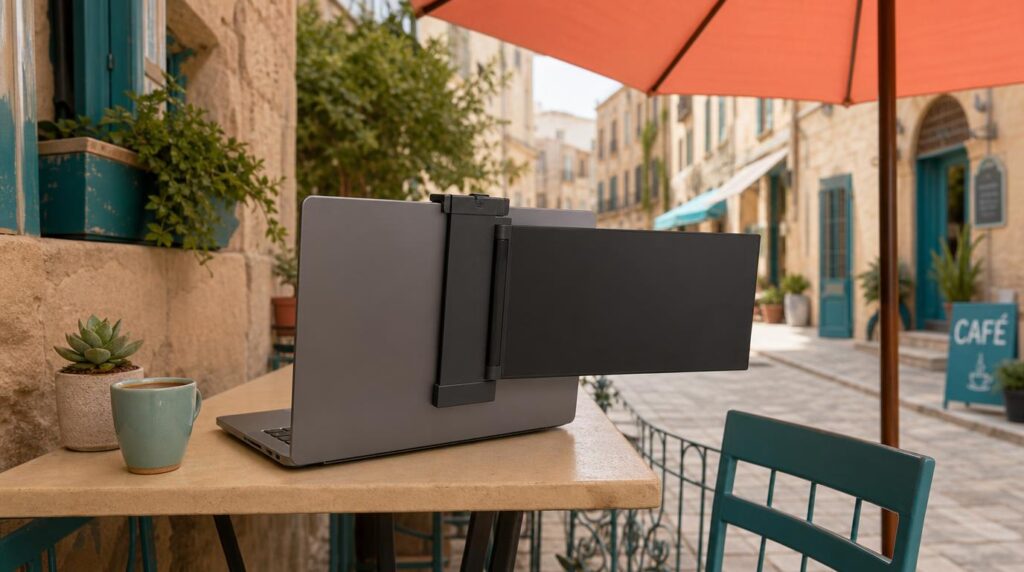
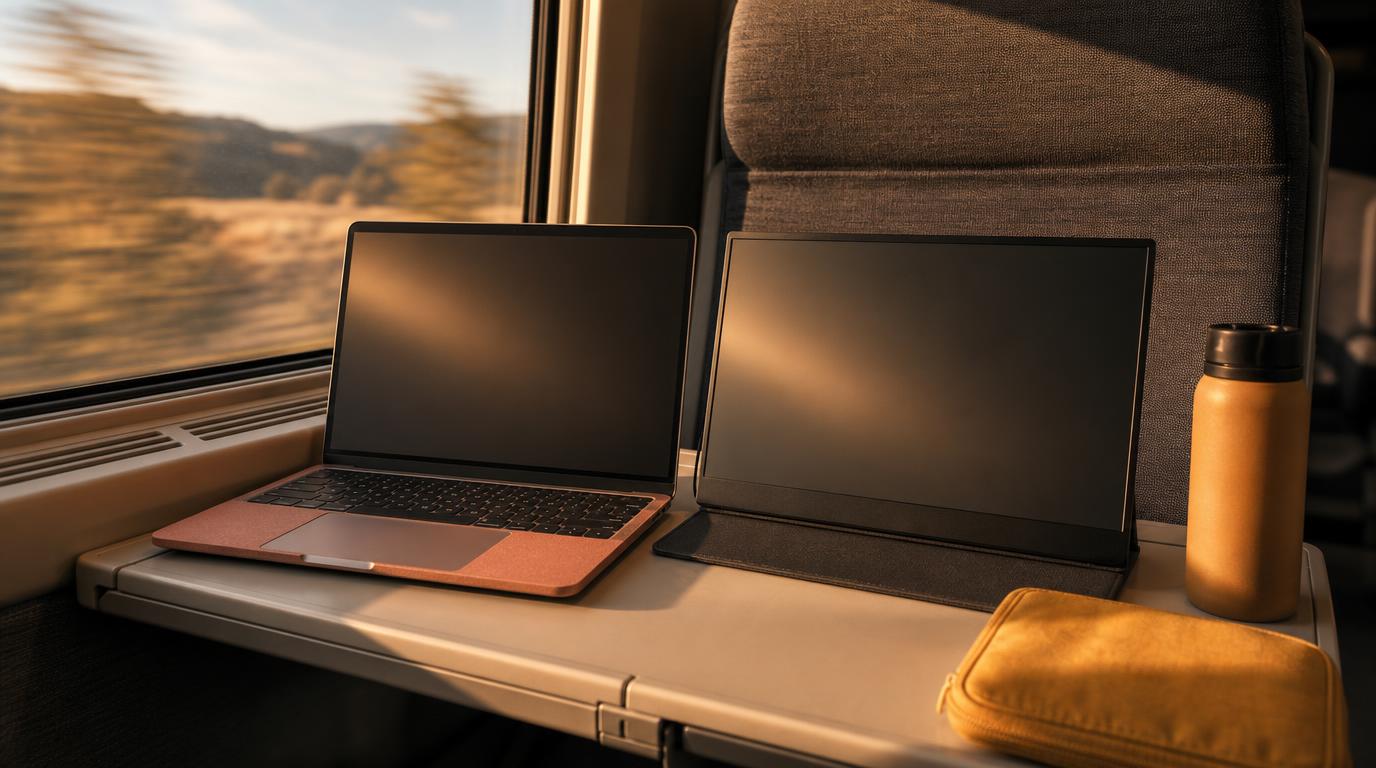
A second screen changes how much work actually gets done away from a desk. This guide covers seven portable monitors worth packing in 2026. Each one is picked for weight, display quality, connectivity, and price. Every entry suits a different way of working on the road, from battery-powered screens to simple budget picks.
Four things matter most when a monitor has to travel. Weight and thickness come first, since that’s what actually sits in a bag day after day. Display quality means resolution and brightness under real working conditions, not marketing numbers. Connectivity favors a single USB-C cable over a separate power brick. Price only matters relative to what a monitor delivers for that trade-off. The list below starts with the most well-rounded travel option and moves toward more specialized and budget picks.
1. ASUS ZenScreen Go MB16AHP
Working from a train, a plaza, or a co-working desk with no free outlet removes power access as a variable. The ZenScreen Go builds a battery into the display itself. A dead laptop charger no longer means a dead second screen too. See our power adapter and voltage guide for digital nomads.
- Weight: 860g (1.9 lb), 9mm thick
- Display: 15.6″ Full HD IPS, 220 nits, USB-C and micro-HDMI
- Battery: 7,800mAh built in, rated for up to 4 hours of screen time
- Price: $249.99
The trade-off is brightness. At 220 nits, this screen washes out fast under direct sun. It works best indoors, in shade, or under an awning rather than on an open rooftop at midday.
Best for: nomads who work from places with unreliable power, like trains, plazas, or long airport layovers.
2. Arzopa Z1RC
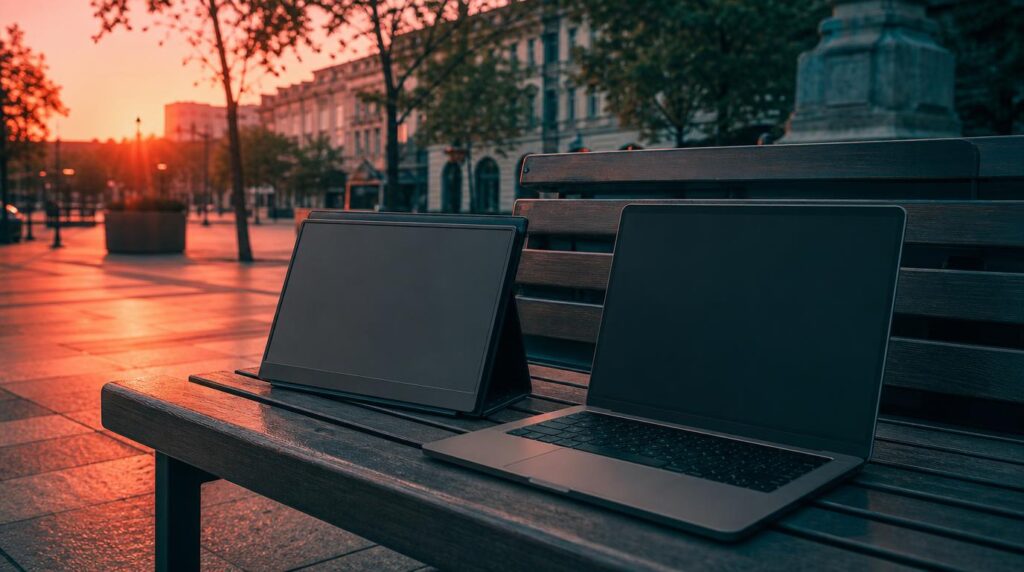
Skip the battery and the picture gets noticeably sharper. The Z1RC’s 2.5K panel is a real step up for detail work on a second screen. That includes spreadsheets with a lot of columns, code, or photo edits.
- Display: 16″ IPS, 2560×1600 (2.5K), 100% sRGB, 500 nits
- Weight: listed between 810g and 1.7 lb depending on the source
- Connectivity: two USB-C ports plus mini-HDMI, built-in speakers
- Price: typically $130 to $190, down from a $200 list price
The weight figure is worth flagging directly. Independent reviewers measured it closer to 810g. Arzopa’s own product page lists 1.7 lb, so actual heft may land a bit heavier than the lightest number suggests. The built-in speakers are weak enough that headphones are worth packing anyway.
Best for: nomads who use a second screen for real creative or detail work, not just a spare window for chat apps.
3. Lenovo ThinkVision M14t Gen 2
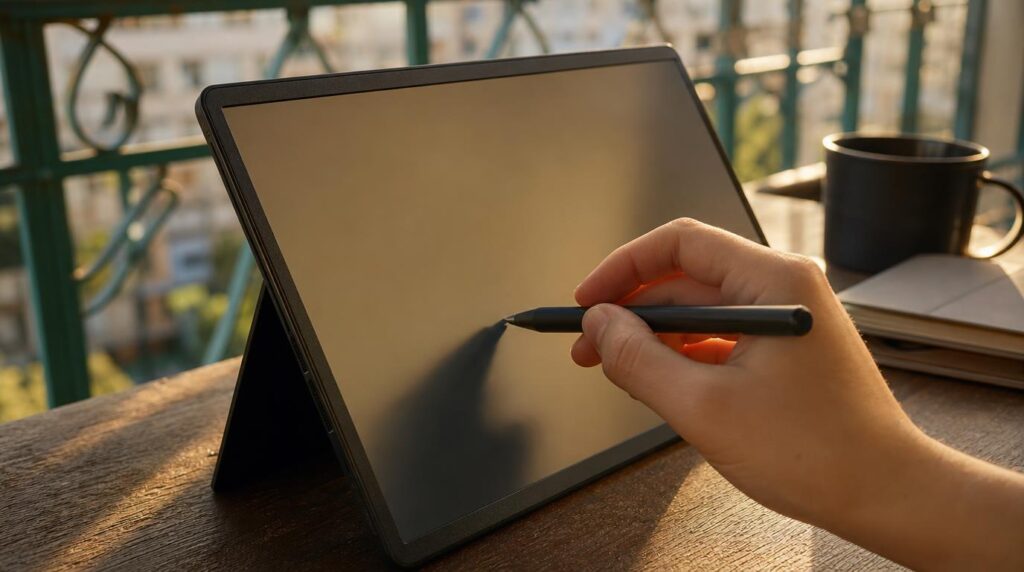
This monitor adds a real touchscreen to an already thin, light build. It suits Windows-based work like annotation, sketching, or client presentations. A digital pen is included in the box.
- Display: 14″ IPS, 2240×1400 (2.2K), 100% sRGB, 300 nits, 1500:1 contrast
- Weight: 700g (1.5 lb), 4.6mm at its thinnest point
- Connectivity: two USB-C ports with DisplayPort 1.2, 10-point touch, included pen
- Price: $399
That touchscreen only pays off on Windows machines. MacBooks can drive the display but can’t use the touch layer, since macOS doesn’t support touchscreen input at the system level.
Best for: Windows nomads who annotate, sketch, or present regularly and want the smallest footprint at a premium price.
Related: Best laptop for digital nomads: portability vs performance
4. espresso Display 15
Espresso’s Display 15 trades touch support and built-in speakers for a lower price. In return it gets a design built to sit next to a MacBook without looking out of place. The aluminum body and glass panel give it a finish closer to Apple’s own hardware than most portable monitors manage.
- Display: 15.6″ IPS, 1080p, 60Hz, rated 300 nits (measured closer to 260 nits)
- Weight: around 2 lb, aerospace-grade aluminum housing
- Connectivity: two USB-C ports, no touch, no built-in speakers
- Price: $299, with the magnetic stand and case sold separately
Those separate accessories add up fast. A stand and case together can add close to $100 on top of the display’s price. Budget for the full setup, not just the screen.
Best for: Mac-based nomads who want a screen that looks and feels like a natural extension of their laptop.
5. KYY K3
At under $70 during sales, the K3 is a cheap way to test something. It shows whether a second screen earns its place in a travel bag, before spending three or four times as much on something nicer.
- Display: 15.6″ Full HD IPS, 178° viewing angle
- Weight: 771g (1.7 lb), 0.89cm thick
- Connectivity: two USB-C ports plus mini-HDMI, magnetic folio doubles as a stand
- Price: $69.99 to $99.99, list price $159.99
Color accuracy and brightness aren’t strong points here. There’s also no built-in battery, so it draws power directly from whatever it’s plugged into. For basic document work and extra screen space, it still does the job.
Best for: nomads testing whether carrying a second screen is worth it before committing to a pricier option.
6. KYY K3-3 (4K)
The K3-3 reaches 4K resolution at roughly a third of what a comparable 4K portable monitor costs elsewhere. That makes it worth a look for anyone editing photos or reading dense spreadsheets on the road.
- Display: 15.6″ 4K UHD (3840×2160) IPS, 60Hz, rated 400 nits
- Weight: 1.4 lb for the panel alone, 2.4 lb with the included folio stand
- Connectivity: two USB-C ports, mini-HDMI, built-in speaker
- Price: $229 to $279
Independent testing measured actual brightness closer to 155 nits, well below the claimed 400 and below most competitors here. That makes it a better fit for shaded workspaces than anywhere direct light hits the screen.
Best for: nomads who want 4K sharpness on a budget and can work somewhere out of direct sun.
7. Mobile Pixels Trio Max
Every option above sits on its own stand next to a laptop. The Trio Max clips directly onto the back of a laptop’s lid instead. That turns the pair into one unit rather than two things to arrange on a small table.
- Display: 14.1″ Full HD IPS, 1920×1080, 60Hz
- Weight: 2.2 lb for the single-screen version
- Connectivity: USB-A and USB-C, attaches to the laptop lid via clip or magnets
- Price: roughly $230 to $300, list price $299.99
This setup adds real bulk to a laptop’s profile once closed, and the screen is limited to 60Hz. It suits cramped café tables and economy tray tables where there simply isn’t room for a second freestanding stand.
Best for: nomads working from tight seats, like café tables or airplane trays, where a separate stand won’t fit.
Related: How to stay productive in cafes and coworking spaces
A portable monitor changes how much gets done in a single work session. It’s a small, packable upgrade with an outsized effect on a travel workday. Whichever screen fits a given trip, the flight to get there still needs booking. Search flights on FlyBibe and start building the next stretch of a mobile office, wherever it ends up.