

Flight prices can change many times a day, and a tracker can watch a route for you while you work. This list covers eight apps and tools that send alerts about price drops, from free email trackers to paid deal services. Each entry covers what the tool does and what it costs. Each entry also notes where the tool falls short for one-way or multi-city trips.
How This List Works
Trackers watch a route you pick and email you when the price moves. Deal services work differently, because their teams search for low fares from your home airport and send them to you. Both types are included here.
Each entry covers what the tool tracks and what it costs. The list also checks whether each tool handles one-way and multi-city trips, and how well it suits nomads who live outside the United States. Prices and plan details were checked in October 2026 and can change. Many of these tools also help with flexible date and multi-city searches, which a separate guide covers in more detail.
FlyBibe comes first because it is built for remote workers. The free trackers follow, and the paid deal services come last.
Eight Apps and Tools for Flight Price Alerts
1. FlyBibe
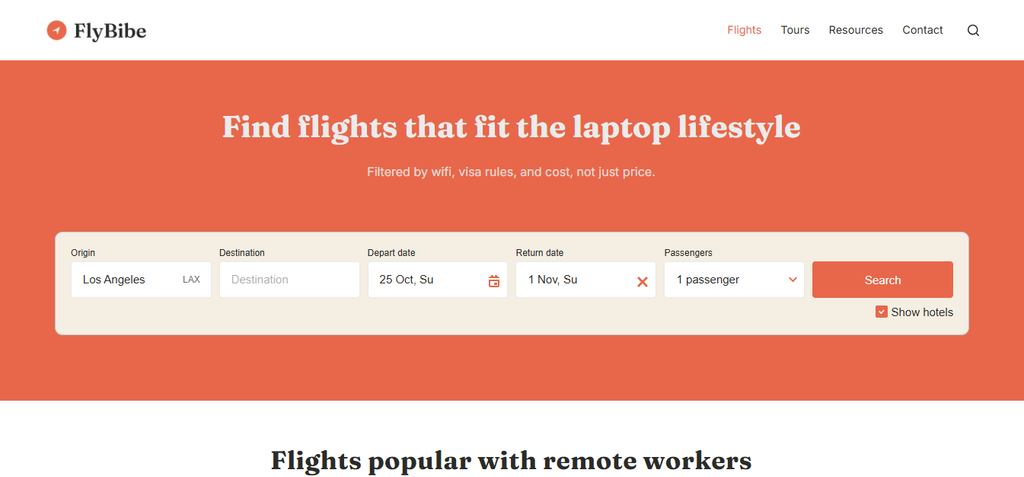
FlyBibe is a flight and tour booking site built for remote workers and digital nomads. Its search sits next to details that matter for a laptop lifestyle.
- What it adds: Context around the fare, such as wifi reliability, timezone overlap, visa rules, cost of living, and safety.
- Trip types: Flights and tours on one site.
- Built for: Remote workers who choose a destination by how well it supports work, and then look for a fare.
A price tracker shows how a fare moves. Seeing details such as wifi and visa rules next to the search can save time when you are still comparing cities.
FlyBibe is built around searching and booking. For ongoing alerts on one exact route, a dedicated tracker from this list is a helpful second tool.
Best for: Remote workers who want to compare routes by nomad needs before choosing a fare to watch.
2. Google Flights
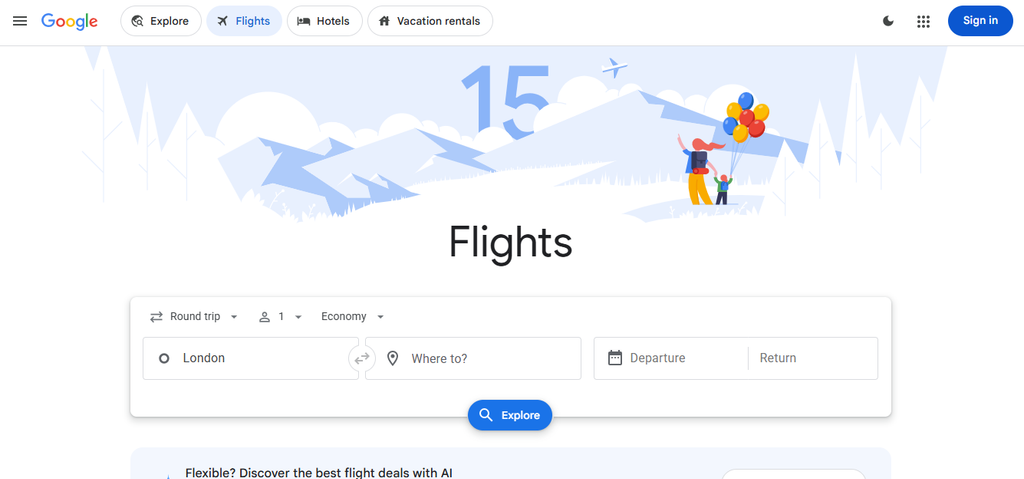
Google Flights is a simple place to start, because the tracker is free and sits on the search page.
- Cost: Free.
- Alerts: A “Track prices” toggle on the results page turns on email alerts when the fare changes significantly. A Google account is needed, and alerts arrive in Gmail.
- Flexible dates: An “Any dates” option watches a route for cheap fares during the next three to six months.
- Price history: A graph shows how fares moved over time and labels the current price as low, typical, or high.
- Trip types: Round trip, one-way, and multi-city searches.
Alerts cover price increases as well as drops, so an email does not guarantee a good deal. The low, typical, or high label helps you judge a drop. The guide on the best time to book international flights explains how far ahead fares are often lowest.
Google Flights can also track one-way tickets, which suits nomads who book without a return date.
Best for: Travelers with set dates or a flexible window who want a free tracker.
3. Skyscanner
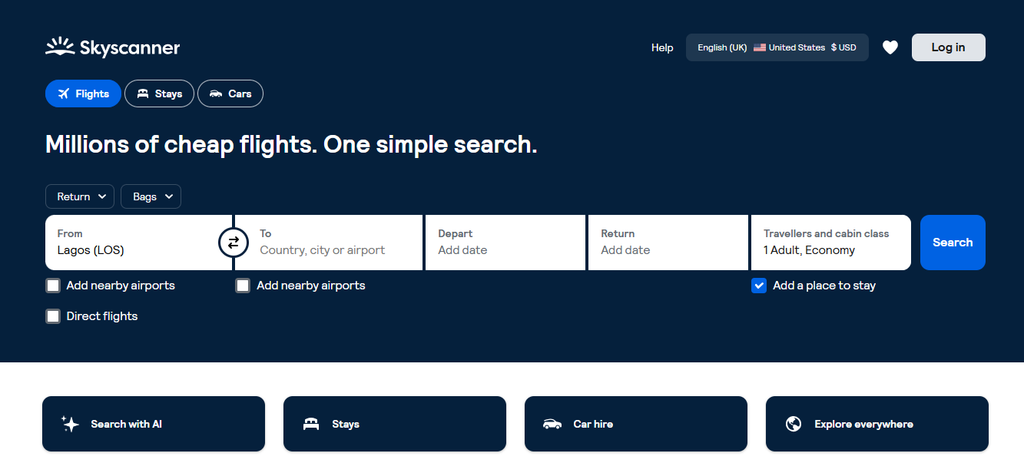
Skyscanner checks many airlines and smaller booking sites, and it sends price alerts by email.
- Cost: Free.
- Setup: After a search, the “Get price alerts” button opens the setup. A Skyscanner account is required.
- Frequency: When the flight is within 100 days, Skyscanner usually sends a daily update.
- Nearby options: Skyscanner suggests alerts for nearby airports and other dates to find the lowest price.
- Limit: The “Everywhere” search does not work with alerts.
The “Everywhere” search can show the cheapest places to fly, but an alert needs a set destination. If you are still choosing between a few cities, you will need one alert for each city.
Best for: Travelers with two or three target cities who want a daily email.
4. KAYAK
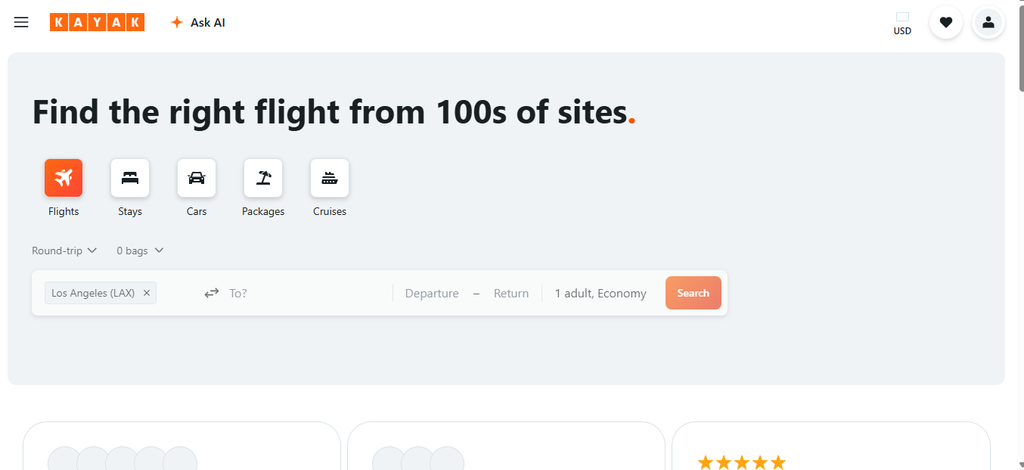
KAYAK offers price alerts and a forecast that suggests whether to buy now or wait.
- Cost: Free. Alerts need a KAYAK account.
- Timing: Most alerts arrive once a day, and a real-time option is available.
- Flexible alerts: When the place and the date are both open, a “Top 25 Cities” alert watches popular destinations.
- Price Forecast: Historical data supports a buy now or wait suggestion. No account is needed.
KAYAK shows the forecast only on round-trip searches, so one-way travelers do not get that hint. KAYAK also says its alerts do not show which days are cheapest, so checking a calendar view of prices still helps.
Best for: Travelers with open plans who want a flexible alert and a buy-or-wait hint on round trips.
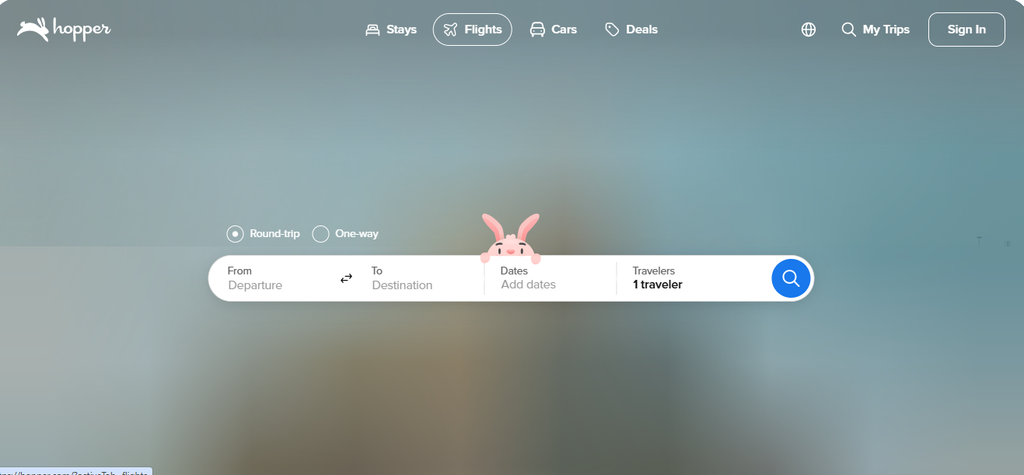
5. Hopper
Hopper is a mobile app that predicts fares and tells you when it may be a good time to buy.
- Cost: Free to download. Price tracking and prediction are in the free version.
- How it works: You watch a trip in the app. Hopper then sends a notification with a book now or wait suggestion.
- Price Freeze: For a fee, the app locks a fare for a set period. If the price rises, you pay the frozen price. If it falls, you pay the lower price.
- Fee terms: The fee depends on the route and demand, and it is not refunded if you decide not to book. The freeze covers only the ticket you selected.
- Where it works: Price Freeze is available only in the app.
A prediction is only an estimate, so the freeze fee is worth comparing with the likely savings. According to a 2026 ShopBack review, Hopper is designed around its app, and the web experience is thinner.
Best for: Travelers who book from a phone and want a push notification about when to buy.
6. Kiwi.com
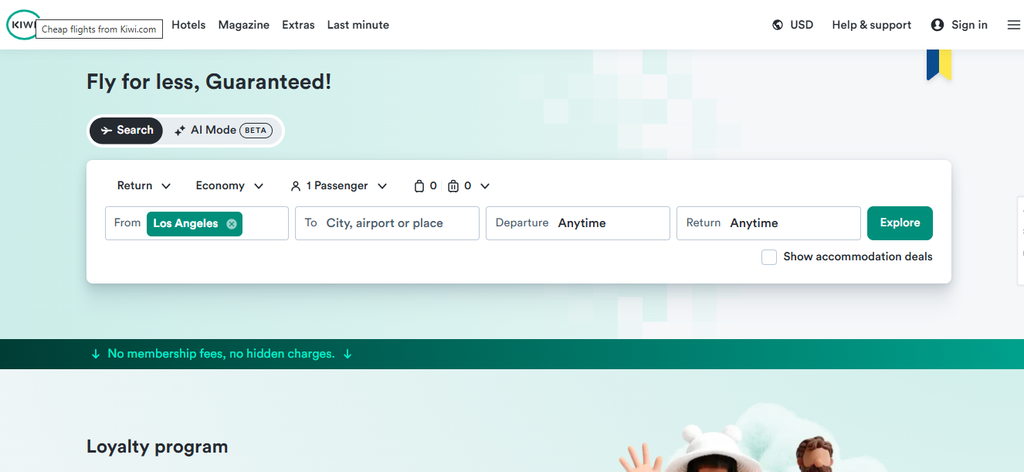
Kiwi.com tracks the price of a trip you choose, and its Nomad tool builds routes through several cities.
- Alerts: Kiwi.com notifies you when the price of a chosen trip drops. Alerts cannot be set for unspecified destinations.
- Nomad tool: You enter three or more destinations, how long you want to stay in each, and your dates. Kiwi.com then calculates the cheapest route.
- Self-transfer: Some low fares combine separate tickets. Airlines are not required to rebook you if a connection fails on separate tickets.
- Kiwi.com Guarantee: An optional add-on that covers disruptions on self-transfer trips, at an extra cost.
A low fare is only a good deal if the connection time is realistic. Self-transfer trips may also require you to collect bags and enter the layover country, so entry rules at the transfer airport matter.
If a separate-ticket connection fails, the guide on what to do when you miss a connecting flight explains the next steps. For stops across several countries, see how to plan a budget multi-country flight route.
Best for: Nomads building a route through several countries who are comfortable with separate tickets.
7. Going
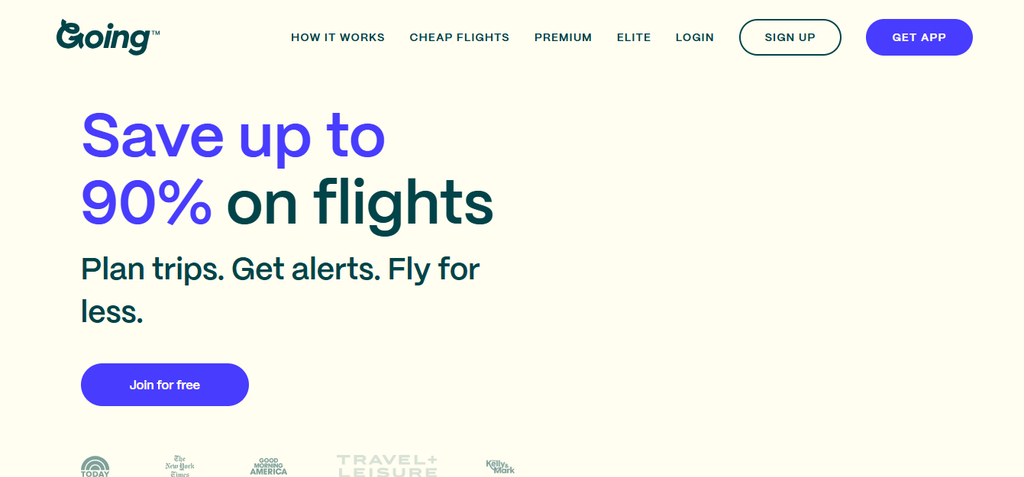
Going, formerly Scott’s Cheap Flights, is a paid deal service. Its team finds low fares from airports you follow and sends them to you.
- Cost: A free Limited plan, Premium at $49 per year, and Elite at $199 per year.
- Limited plan: Domestic deals within the continental United States from up to five airports. International deals need a paid plan.
- Premium: Economy deals, mistake fares, and Watchlist alerts for chosen destinations, from up to 10 airports.
- Elite: Adds premium economy, business, and first class deals, and an unlimited number of airports.
- Home airports: Must be in the United States.
Mistake fares are low prices posted by accident, and Going says they typically last only a few hours. Alerts that arrive quickly matter for these fares.
Because home airports must be in the United States, the service helps most when your trips start there. A nomad based in Lisbon or Bali cannot follow a home airport nearby.
Best for: Travelers who start trips from US airports and want deals sent to them.
8. Thrifty Traveler Premium
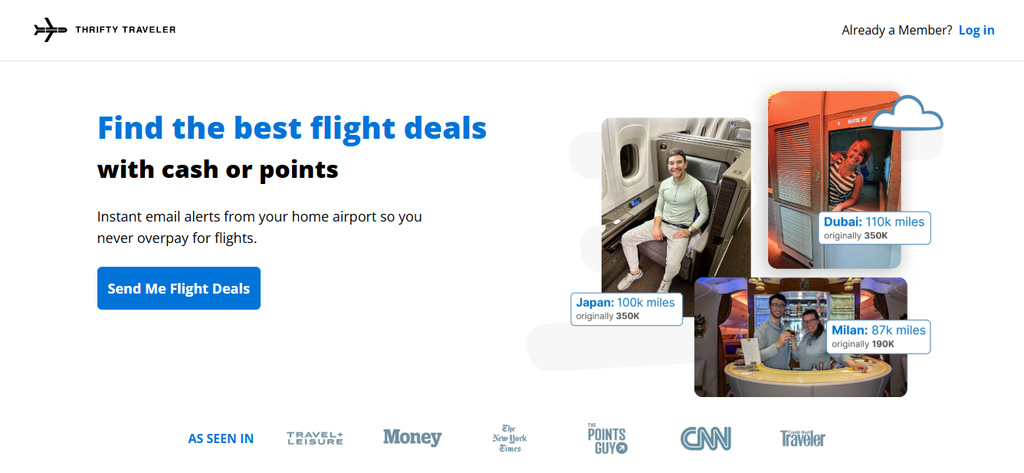
Thrifty Traveler Premium is another paid deal service, with alerts for cash fares and award deals.
- Cost: Premium is $129.99 per year and Premium+ is $189.99 per year, after a price increase on March 14, 2026.
- Premium+: Adds hotel deals.
- Airports: Members can follow a home airport and as many other airports as they want.
- Deal types: Cash fares, plus award deals for points and miles.
- Guarantee: Thrifty Traveler states a 100-day money-back guarantee.
Premium costs more than twice as much as Going Premium. Like Going, Thrifty Traveler focuses on major airlines and skips budget airlines. Fares on low-cost carriers are unlikely to appear in its alerts.
Best for: Frequent flyers who use points and miles and want deals from many airports.
Start With a Free Tracker, Then Add a Deal Service
A free tracker such as Google Flights or Skyscanner is often enough for a single trip. Paid deal services make more sense for frequent flyers who start from US airports. Setting alerts on two tools for the same route can help catch changes that one tool misses. When a fare on your route looks right, compare fares for your route on FlyBibe and book when the price suits your plans.