

This list covers seven flight search tools that handle flexible dates and multi-city trips well. Each entry explains what the tool does, where it falls short, and who it suits. The tools range from everyday search engines to advanced options for complex routes.
How This List Is Ordered
Each tool is judged on how well it shows prices across many dates. It is also judged on whether it can price a trip with several stops in one search, and on how well it suits someone without a fixed return date.
Timing also affects price. The guide to the best time to book international flights can help you pick a date range before you search. Many long-term travelers also fly one-way, and the guide to one-way vs round-trip tickets explains how that changes the search.
The list starts with FlyBibe. After that, it goes from the most widely useful tools to the most specialized ones.
1. FlyBibe
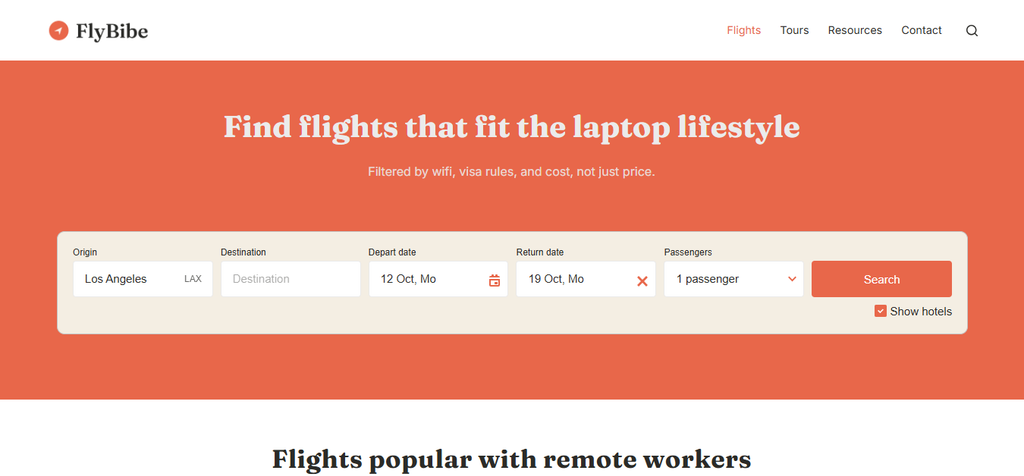
FlyBibe is built for remote workers who need more than a low fare. It searches and books flights and tours, with filters for the things a laptop lifestyle depends on.
- Nomad filters: Wifi reliability, timezone overlap, visa rules, cost of living, and safety sit alongside the search.
- Booking: Flights and tours can be searched and booked in one place.
- Starting point: It works well when the destination is still open and the route comes second.
Choosing a base city often comes before choosing dates. Seeing wifi, visa rules, and cost of living before you commit can help you avoid a flight to a city that does not suit your work.
FlyBibe is a younger platform with a narrower focus than the large search engines. For a full month of prices or a six-leg fare comparison, it can work well alongside one of the tools below.
Best for: remote workers choosing a destination and a flight together.
2. Google Flights
Google Flights is a free tool with a trip-type menu for round trip, one way, and multi-city. It is a good first stop for seeing how prices move.
- Date grid: It shows prices for combinations of departure and return dates, with the cheapest ones in green.
- Price graph: It plots prices across weeks or months, which helps when the trip length is fixed but the start date is open.
- Multi-city: The trip-type menu includes a multi-city option for open-jaw trips and itineraries with several stops.
- Explore map: From your home airport, it shows prices to cities around the world.
The Points Guy reported that Google staff see the date grid and price graph as classic power-user tools that many people still skip. Price tracking also needs a signed-in account.
The date grid is built around round trips, so a multi-city search needs manual date changes.
Best for: a first search to see price patterns across a few weeks.

3. Skyscanner
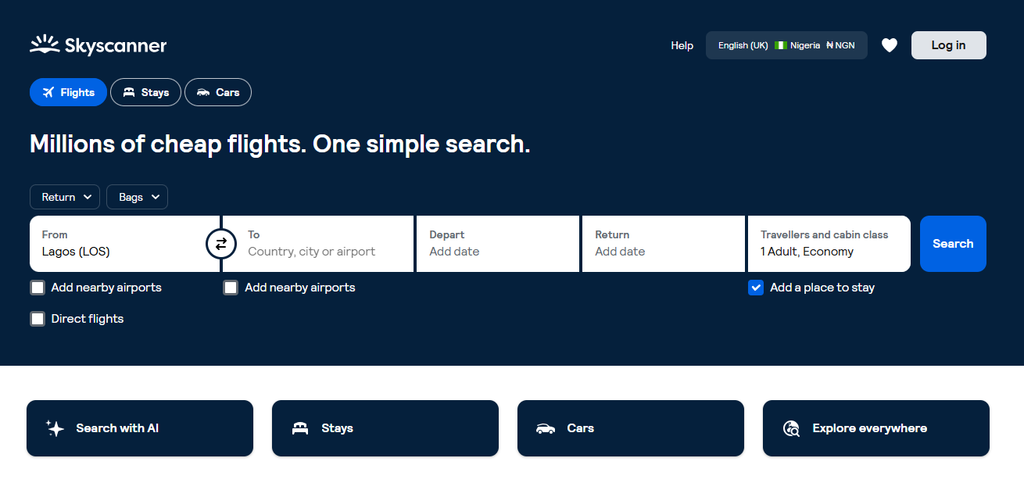
Skyscanner is known for its flexible search options. It works well when either the dates or the destination are undecided.
- Whole month: This view shows the cheapest days to fly across a month, with the lowest prices in green.
- Cheapest month: This option scans the full year for the lowest fares on a route.
- Everywhere: Searching “Everywhere” as the destination lists the cheapest places to fly from your airport.
- Multi-city: According to Skyscanner, a multi-city search can include up to six legs.
Skyscanner says the whole month view uses prices found within the last four days. The Everywhere view uses prices found within the last eight days.
Prices in these views come from recent searches, so the final fare can differ when you pick a flight. The month view works best as a guide for choosing dates, with the fare confirmed afterward.
Best for: travelers who know the month but not the day, or who have no fixed destination.
4. Kayak
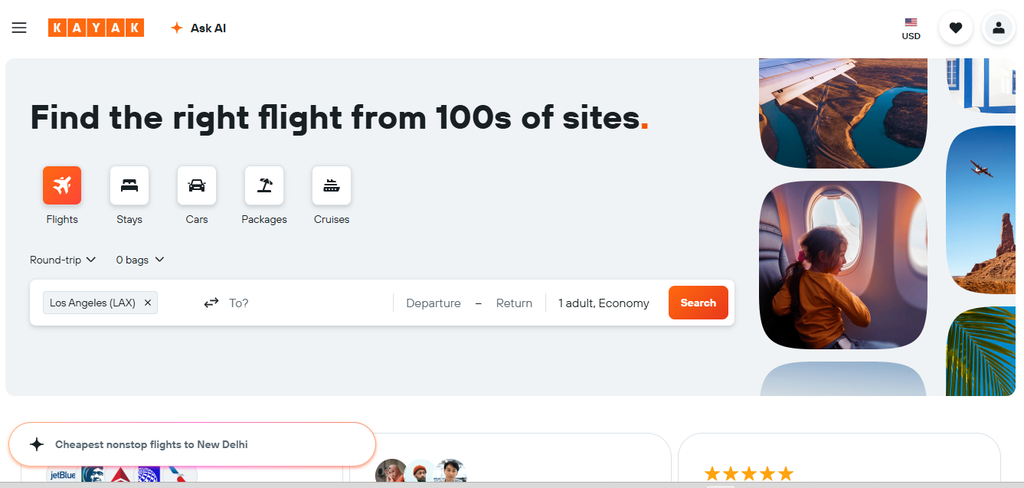
Kayak is a search engine with flexible date tools and a multi-city option. It also compares many airlines and agencies in one list.
- Flexible dates: The search can check up to three days before and after your chosen dates.
- Flexible month: According to Going, this option searches four weeks from your earliest departure date.
- Explore: The Explore page shows low fares to regions around the world from your home airport.
- Self-transfer label: Results flag itineraries that need a self-transfer between flights.
The three-day range suits a trip that can shift by a weekend. Nomad plans often cover a wider range, and the flexible month view helps in that case.
The three-day range is narrower than a full month view, so it can miss cheaper dates outside that window.
Best for: small date shifts and quick comparisons across many sellers.
5. ITA Matrix
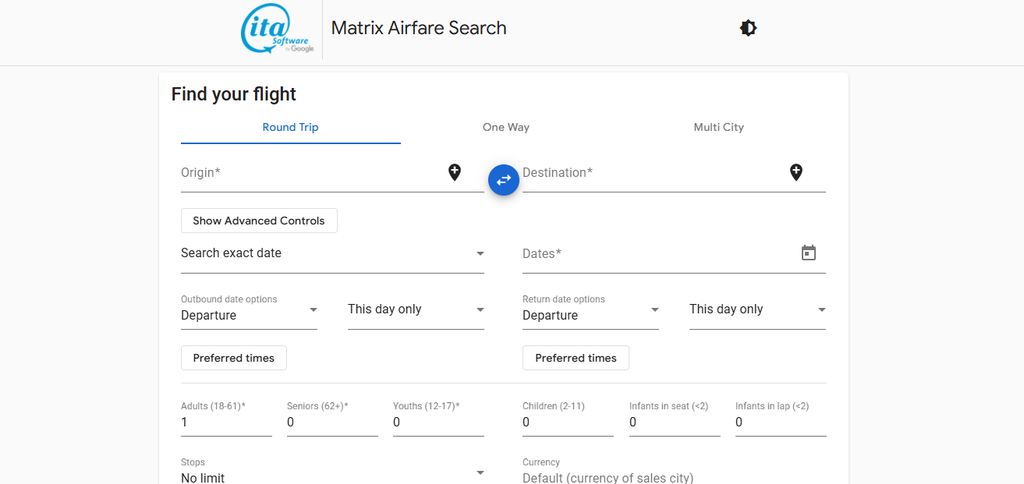
ITA Matrix is an advanced fare search tool built by ITA Software, which Google later acquired. Points-and-miles travelers often use it first.
- Calendar search: The “calendar of lowest fares” option shows the lowest price for each departure day across about a month. You can also enter a range of trip lengths.
- Multi-city: According to Clark Howard, it can search as many as six flights at once.
- Routing control: You can set connecting cities and fare class.
- Fare details: Each result shows how the fare is built.
A multi-city search is also a simple way to add a second city along the way, which the guide to flight stopovers covers in more detail.
Prince of Travel notes that ITA Matrix is not known for being user-friendly. The routing codes take time to learn.
Best for: complex routes and travelers who like detail.
6. Kiwi.com Nomad
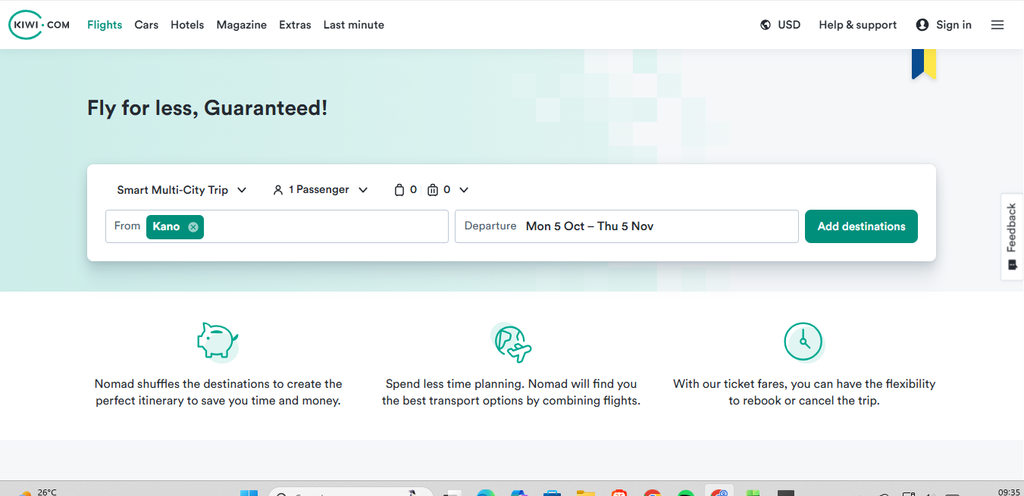
Nomad is the multi-city tool from Kiwi.com. It is built for trips with several stops and a set length of stay in each place.
- Route search: According to Kiwi.com, you enter three or more destinations, your length of stay, and your travel dates. The tool then finds the cheapest route.
- Stop order: PhocusWire reported that Nomad can shuffle the order of stops to find a lower price.
- Mixed airlines: Kiwi.com uses virtual interlining, which joins flights from airlines that do not normally work together.
- Guarantee: Kiwi.com lists a guarantee for its bookings, and the terms vary, so reading them first can help.
Self-transfer itineraries may mean collecting and re-checking bags between flights. Kiwi.com adds time for the transfer when it builds these trips.
These trips carry more risk than a single airline ticket, since a delay on one leg can affect the next. Transit visa rules may also apply, so leaving a longer buffer between flights is wise.
Best for: multi-stop trips on a tight budget, with extra time between flights.
7. Momondo
Momondo is a search engine with flexible date and multi-stop options. It makes a useful second check after another tool.
- Flexible search: It checks prices for three days before and after your chosen departure and return dates.
- Multi-stop: A “multi-stop” option handles open-jaw and multi-stop flights, according to Going.
- Anywhere search: It suggests destinations based on dates, continents, budget, or trip type.
In one test by Going, Momondo found the same flight for $559, which was $37 below the Google Flights price. Momondo and Kayak are both owned by Booking Holdings, so their results can look alike.
Going also says Momondo falls short on speed, searching a range of dates, and flexible destinations.
Best for: a second price check after a first search on another tool.

Which Tool to Use First
Flexible dates and multi-city searches can lower the cost of a long trip. A simple routine is to scan a month of prices, price the full route with a multi-city tool, and confirm the fare before booking. When you have a base in mind, search flights to your next stop on FlyBibe and check the wifi, visa, and cost details your work depends on.