

This list covers seven AI tools that help remote workers with writing, research, meeting notes, translation, scheduling, and dictation. Each entry gives the current price, one use while traveling, and one limit worth knowing. Prices were checked in September 2026 and can change, so confirm them on each tool’s pricing page.
How the List Is Ordered
The list starts with broad assistants that handle many jobs and ends with narrow tools that handle one job. Each tool needed a free plan or a low starting price, a clear use for someone who moves often, and a real limit. All seven tools need an internet connection, so a backup such as an eSIM or a portable hotspot helps when cafe wifi drops.
1. Claude
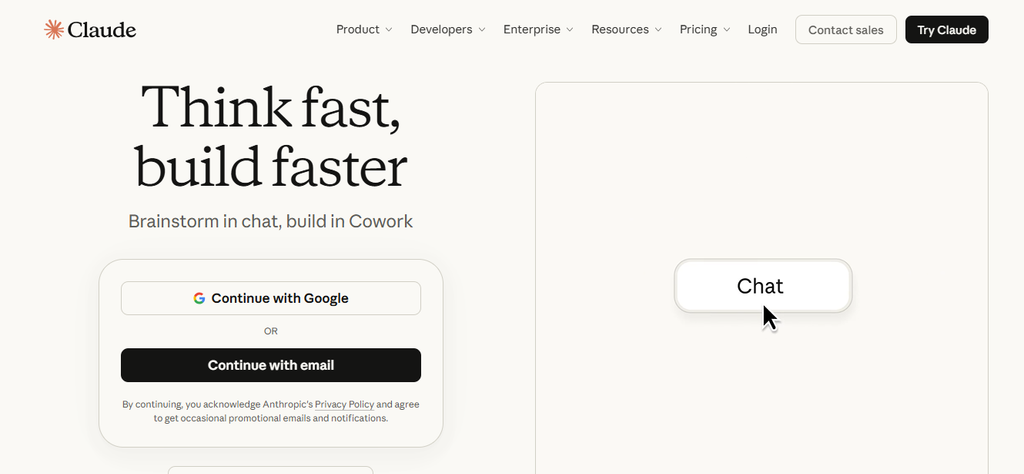
Claude is a general AI assistant for writing, summarizing, and reading long documents. Claude helps with jobs that pile up after a move, such as reading a rental contract or a visa checklist.
- Price: The Free plan costs $0. Pro costs $20 a month, or $17 a month when billed annually.
- Travel use: Summarizes a 30-page rental contract into a short list of questions for the landlord.
- Free plan: Includes web search, with tight usage limits.
- Limit: Needs an internet connection, and paid plans have session and weekly usage limits.
Contracts and client files are private, so public wifi safety matters before you upload them at a cafe. A summary can also miss details. A lawyer or the official source should confirm anything legal.
Best for: Drafting emails and making sense of long documents.
2. ChatGPT
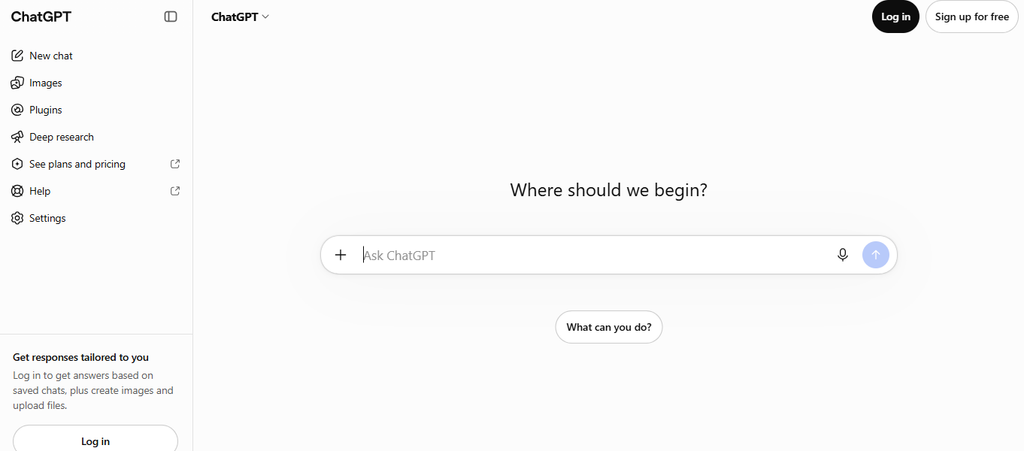
ChatGPT from OpenAI covers much of the same ground as Claude. Paid plans raise the limits on image tools, voice chat, and deep research.
- Price: Free costs $0. Go is listed at $8 a month in the US, and Plus costs $20 a month. Pro starts at $100 a month.
- Travel use: Voice chat lets you talk through a work plan while you walk to a coworking space.
- Deep research: Plus includes it, while Free and Go offer limited access.
- Limit: Free and Go may show ads, and plan names and limits have changed several times in 2026.
Because plans change often, the pricing page shows the current limits better than any review. Plus is the usual choice for people who use ChatGPT daily.
Best for: People who want voice chat and image tools in the same app.
3. Perplexity
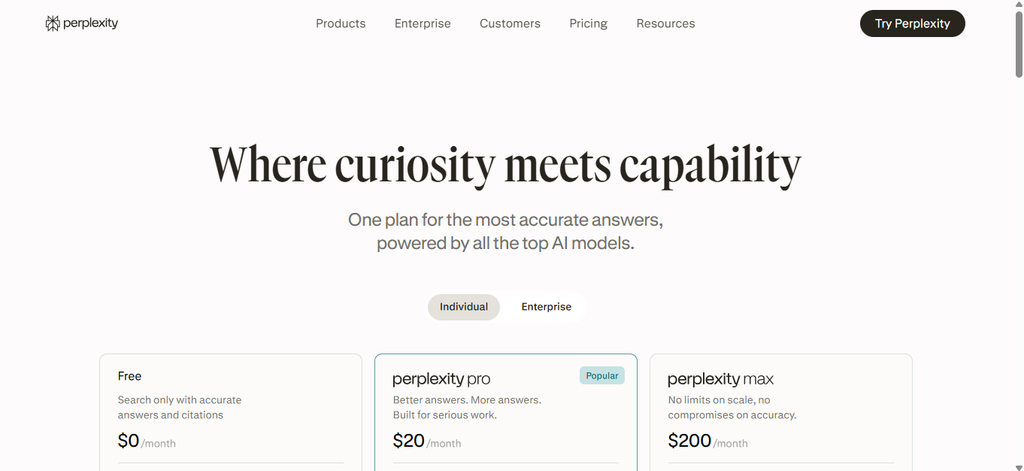
Perplexity is a search tool that answers questions and lists the sources behind each answer. Readers can click a source to check the claim.
- Price: The Free plan costs $0 and includes a few Pro searches per day. Pro costs $20 a month, or about $17 a month billed annually.
- Travel use: Compares coworking spaces in a new city or finds the rules for buying a local SIM card.
- Limit: A cited answer can still summarize a page wrongly, and the free plan caps the stronger searches.
For visa or tax rules, the official government page should have the final say. Perplexity is most useful for finding that page quickly.
Best for: Research questions where a source link matters.
4. Otter.ai
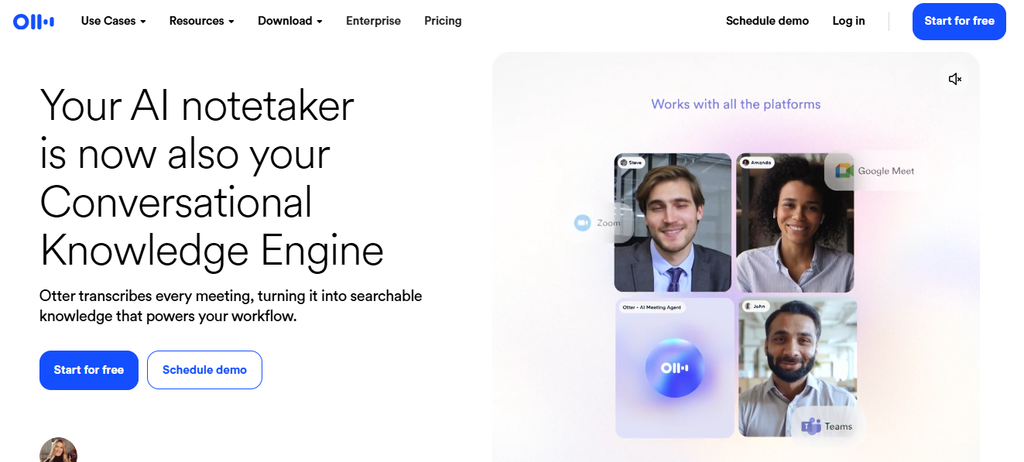
Otter.ai joins video calls, records them, and writes a transcript with a short summary. The tool connects with Zoom, Microsoft Teams, and Google Meet.
- Price: Basic is free with 300 minutes a month and a 30-minute limit per conversation. Pro costs $16.99 a month, or $8.33 a month billed annually, with 1,200 minutes and a 90-minute limit.
- Travel use: Records a client call at 11 pm your time so teammates can read the summary the next morning.
- Limit: Live transcription needs a stable internet connection.
A dropped connection can leave you with audio but no text until you reconnect. Summaries also suit async work across time zones, since teammates can catch up without joining the call. Clients should be told before a call is recorded.
Best for: Regular client calls across time zones.
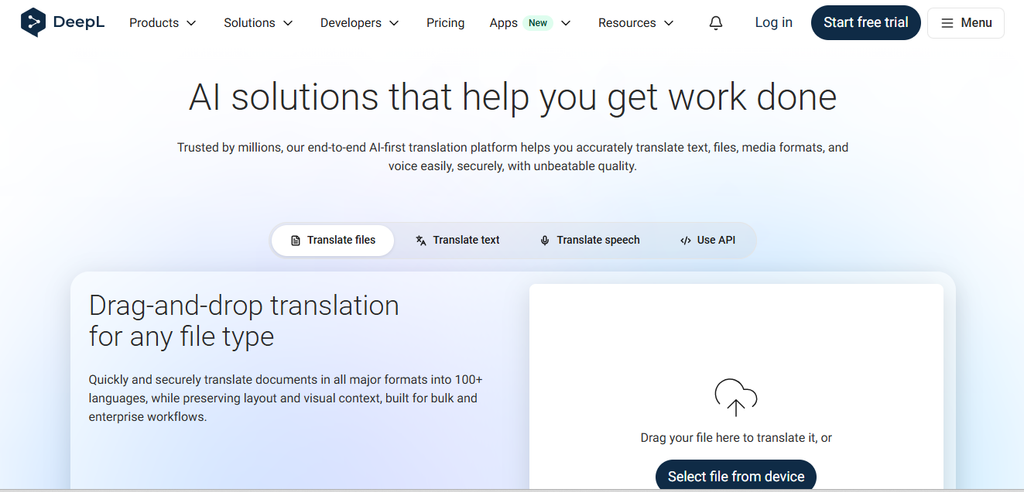
5. DeepL
DeepL is a translation tool often praised for natural-sounding results in European languages. DeepL has apps for iPhone, Android, Windows, and Mac, plus a Chrome extension.
- Price: The Free plan allows 50,000 characters a month. Individual costs €7.49 a month billed annually, with 300,000 characters and 3 file translations a month.
- Travel use: Translates a landlord message, a lease file, or a client email into Portuguese, German, or Spanish.
- Voice: Paid plans include 30 minutes of DeepL Voice each month for live translation.
- Limit: There is no offline mode, so all translation needs internet.
The price shown is for Germany and includes VAT, so the amount may differ in other countries. Google Translate is a free backup, since it lets users download language packs for offline use. Anything you sign should be checked by a fluent speaker.
Best for: Translating emails and documents between major languages.
6. Reclaim
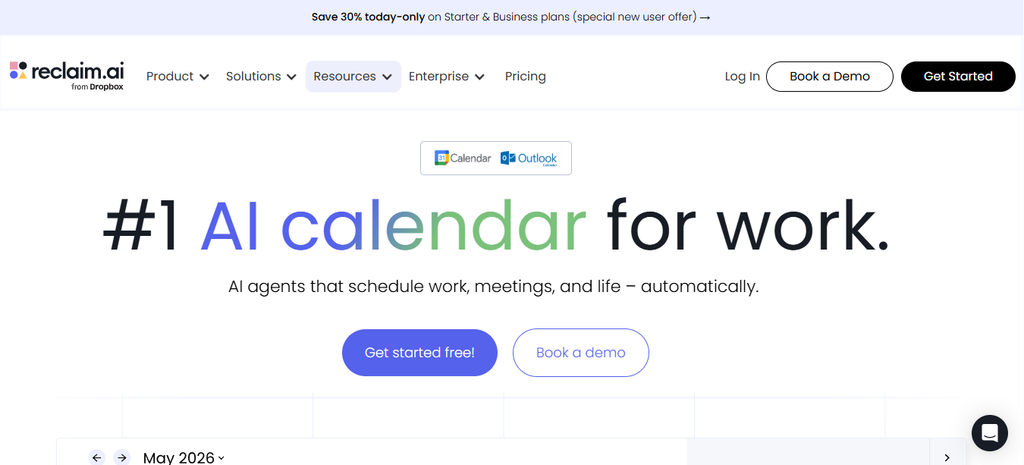
Reclaim is an AI calendar that works with Google Calendar and Outlook. The tool places focus time, tasks, and habits around your meetings.
- Price: The Lite plan is free, with a one-week scheduling range and one scheduling link. Starter costs $10 a month billed annually, or $12 monthly, with an eight-week range.
- Travel use: A travel time zone setting shifts your hours and scheduling links for set dates, then switches back to your home time zone.
- Limit: Works only with Google Calendar and Outlook, and Lite looks one week ahead.
A move from Lisbon to Bali for three weeks means setting the dates once instead of editing each meeting. Scheduling links then show your hours in the travel zone, which helps with client meetings across time zones. Automatic focus blocks also protect work hours, which helps when you want to stay focused while traveling full time.
Best for: Workers who change time zones often.
7. Wispr Flow
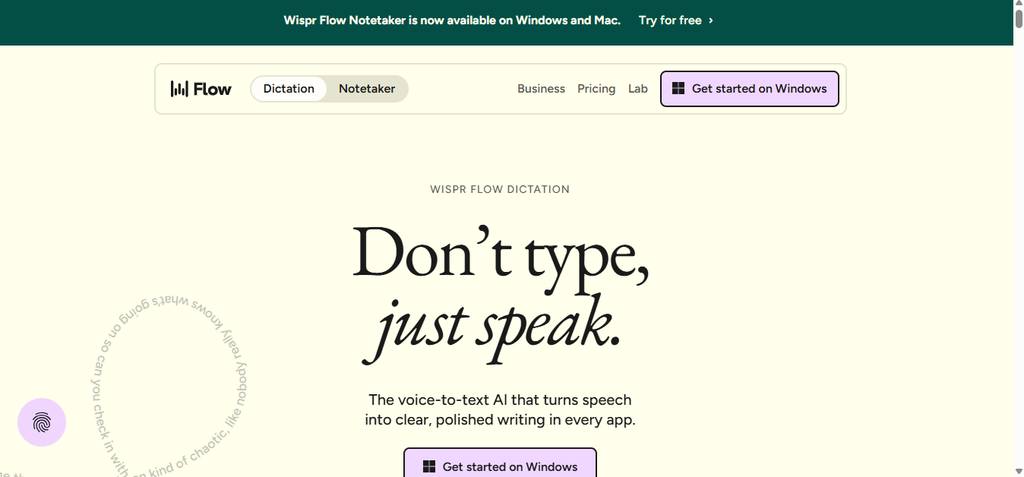
Wispr Flow is a voice dictation app that types into any app on Mac, Windows, iPhone, or Android. The app supports more than 100 languages.
- Price: The Free plan allows 2,000 words a week on Mac or Windows and 1,000 on iPhone. Pro costs $15 a month, or $12 a month billed annually, with unlimited words.
- Travel use: Dictates long replies from a rented apartment when a cramped laptop keyboard feels slow.
- Limit: Needs an internet connection, so it does not work in airplane mode. Speaking aloud also feels out of place in a shared coworking space.
The free plan runs out quickly for daily use, since 2,000 words is roughly 10 minutes of speaking. New users get a 14-day Pro trial, which is enough time to test whether dictation fits their routine.
Best for: Writing long messages by speaking.
Conclusion
Seven tools can cover writing, research, meetings, translation, scheduling, and dictation, and most of them start free. A reliable connection matters for all of them, so the city you choose affects how well they work. Search flights on FlyBibe to find your next base, then test two or three of these tools during your first week there.