

Working across time zones only gets messy when your tools assume everyone is online at once. These seven apps handle the parts of remote work that live-chat and back-to-back calls do badly. Think scheduling around gaps, recording updates instead of repeating them, and keeping a record everyone can catch up on later.
What this list is filtering for
Every tool here solves a specific piece of the async puzzle rather than trying to be everything at once. We looked at time zone visualization, calendar automation, scheduling links, team messaging built for delay, video updates, standup automation, and shared documentation. Pricing and limits are current as of September 2026. Software pricing shifts often, so check each provider’s page before committing a team to a paid tier.
1. World Time Buddy
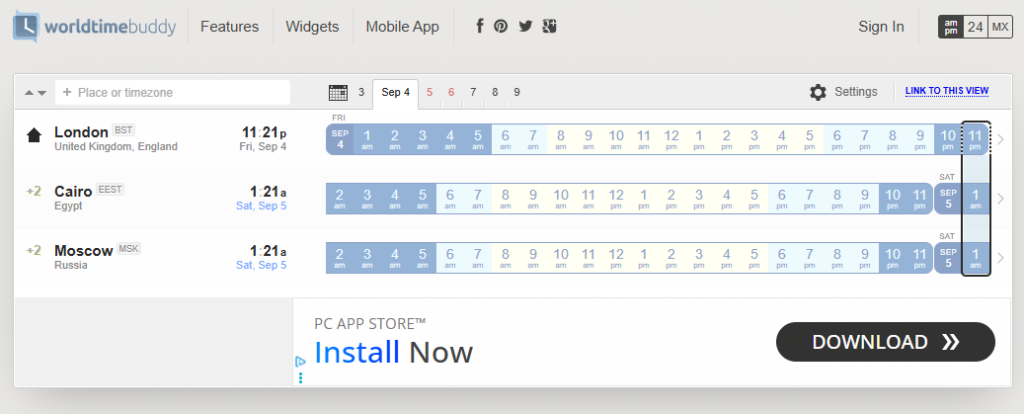
Before you can manage async work, you need to see the overlap. World Time Buddy is a browser-based world clock and meeting planner that lines up multiple time zones in a single scrollable grid.
- Cost: Free version with limited functionality; paid tiers run $3 to $6 a month for saved location groups and extra customization.
- Coverage: Over 20,000 cities and time zones, with automatic daylight saving time updates.
- Calendar sync: Shows your existing calendar events above the hour grid so you can spot real availability, not just theoretical overlap.
- Sharing: Generates a link you can send instead of typing out “9am my time is 11pm yours.”
The free version covers most solo and small-team needs. The paid tier mainly adds convenience, like saved location groups, rather than new core functionality. Best for: the first five minutes of figuring out if a meeting is even possible.
2. Reclaim.ai
Reclaim.ai is an AI calendar assistant that automatically blocks time for tasks, habits, and meetings around what’s already on your calendar. Clockwise shut down entirely on March 27, 2026, after Salesforce hired its team instead of buying the company. Many of Clockwise’s former users, including teams juggling multiple time zones, moved to Reclaim.ai afterward.
- Cost: Free plan covers one calendar connection, up to three scheduling links, and basic habit scheduling. Starter runs $10 a user per month billed annually. Business runs $15 a user per month for team analytics and advanced integrations like Asana and Jira.
- Time zone handling: Finds mutual meeting time across everyone’s calendar and reschedules automatically when a new conflict appears.
- Task and habit blocking: Slots recurring tasks and habits into open calendar gaps instead of leaving them as an unscheduled to-do list.
- Limitation: Built primarily around Google Calendar. Outlook support exists but is newer and less complete.
The Google Calendar focus means Outlook-based teams may find some features feel early. Best for: teams that want scheduling and focus-time protection handled automatically, without adding a manual planning step.
3. Calendly
Calendly turns scheduling into a link instead of an email thread. It is the fastest fix for the classic “what time works for you” loop between time zones.
- Cost: Free plan includes one event type and one calendar connection. Standard runs $10 a seat per month billed annually; Teams runs $16 a seat per month for round-robin and routing features.
- Time zone handling: Automatically converts your booking page to match whoever is viewing it, so nobody has to do mental math.
- Buffer rules: Lets you block off hours you will not book, which matters when your “available” hours span someone else’s dinner time.
- Limitation: The free plan allows only one active event type, so anyone juggling different meeting lengths will hit that wall fast.
Best for: external-facing scheduling, like client calls or interviews, where you need a clean link rather than a full team dashboard.
4. Twist
Twist, built by Doist, is designed specifically to remove the pressure of instant replies. Conversations live in organized threads instead of a single scrolling feed, so nobody feels obligated to respond the second a message lands.
- Cost: Free plan supports up to 500 members with one month of message history and up to five integrations. The Unlimited plan runs $6 a user per month for full history and unlimited integrations.
- Threading: Every conversation gets its own thread. A team member waking up eight hours later can read one topic in order, instead of scrolling a wall of unrelated messages.
- No typing indicators or read receipts: Removes the subtle pressure to reply immediately that real-time chat apps build in by default.
- Trade-off: Fewer third-party integrations than Slack, and it asks teams to unlearn habits built around instant messaging.
Best for: teams that already agree real-time chat is hurting focus and want a tool that enforces the change.
5. Loom
Loom replaces “let’s hop on a call to explain this” with a short recorded video. That single shift removes a huge number of meetings that only exist because a written explanation felt too slow to type.
- Cost: Free Starter plan allows 25 videos total at up to five minutes each in 720p. Business runs around $12.50 a user per month billed annually, which adds unlimited videos, higher resolution, and no length cap.
- Screen and camera recording: Records your screen, your face, or both at once, which covers walkthroughs, bug reports, and design feedback.
- Viewer analytics: Shows who actually watched a video and how far they got, useful for confirming an update landed before assuming it did.
- Limitation: The free plan’s 25-video cap is a lifetime total, not monthly, so regular users hit it within weeks.
Best for: explaining anything visual, like a design change or a bug, without waiting for a shared meeting slot.

6. Geekbot
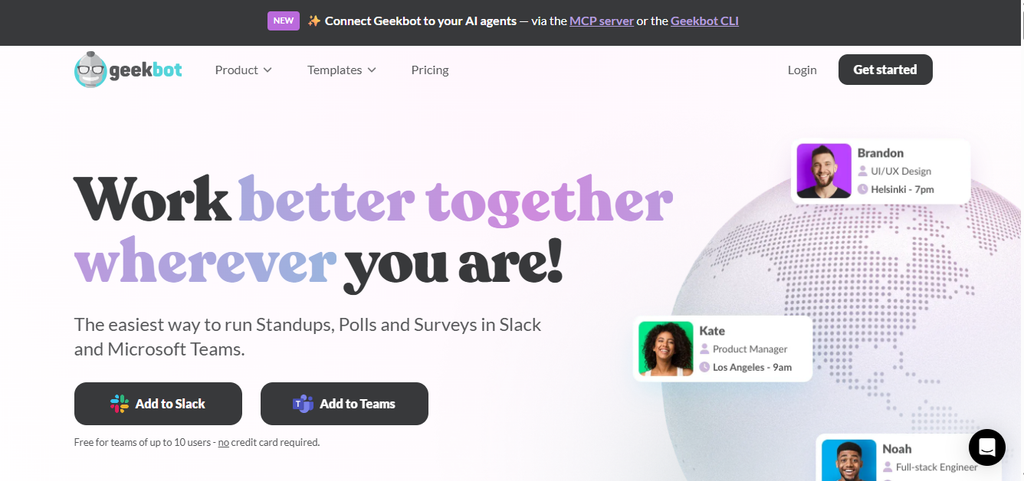
Geekbot automates standups, check-ins, and retros directly inside Slack or Microsoft Teams. Nobody needs to be awake at the same time to give a status update.
- Cost: Free plan available for smaller teams. Paid plans start around $1 to $2.50 a user per month, depending on team size and feature tier.
- Scheduled questions: Sends each person their standup questions at a time that fits their own working hours, not a fixed meeting slot.
- Compiled reports: Pulls every answer into a single shareable summary. Catching up on a team’s status takes minutes, not a scroll through separate messages.
- Limitation: Formatting answers after submission is limited, and reviewers note it works better for small teams than large, compliance-heavy organizations.
Best for: replacing the daily standup call entirely, especially once your team spans more than a two or three hour gap.
7. Notion
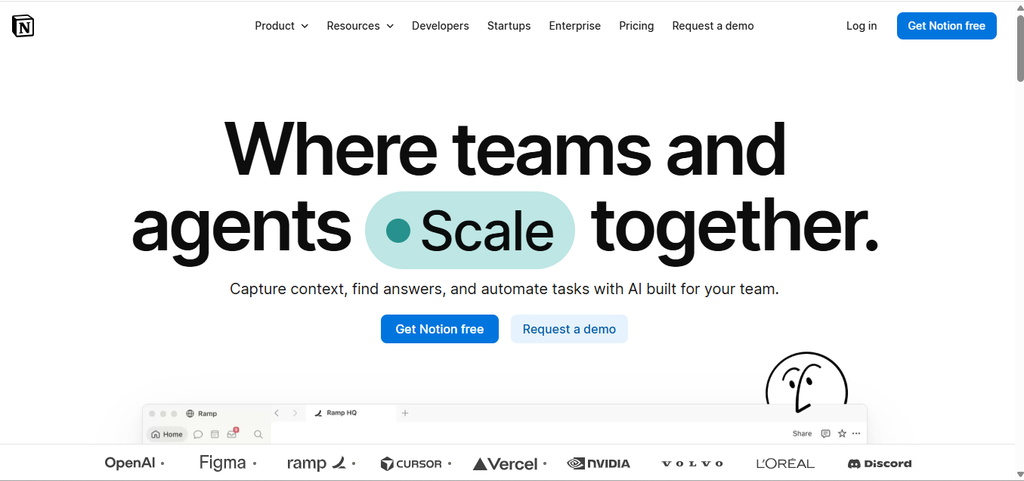
Notion works as the shared memory an async team actually needs. It holds docs, project trackers, and decisions in one place, so nobody has to be online to explain context.
- Cost: Free plan covers unlimited blocks for individuals with 7-day version history and up to 10 guests. Plus runs roughly $10 to $12 a user per month billed annually. Business runs roughly $18 to $20 a user per month for private teamspaces and longer history.
- Databases: Turns task lists, meeting notes, and project trackers into linked, filterable views instead of scattered documents.
- Version history: Lets someone catch up on what changed overnight without asking “wait, what happened here.”
- Limitation: The free plan’s short version history and guest cap push growing teams toward Plus fairly quickly.
Best for: the long-term home for decisions and documentation that async chat and video updates eventually need to point back to.
Search flights and get to work, wherever “work” is today
None of these tools fix a bad handoff between teammates who haven’t talked about how they want to work together. Paired with a plan, they cut the number of calls that only exist because nobody wrote things down. Start with World Time Buddy to map the overlap, then layer in whichever async tool addresses your gap most directly. If your next stretch of work happens somewhere with a fresh time zone to plan around, search flights on FlyBibe and get moving.