

Six AI meeting note and transcription tools for async teams are compared below. Each entry shows current prices, free plan limits, supported languages, and one real drawback. The list also notes which tools work in person and from noisy cafes.
What to look for in a meeting note tool
Async teams need notes that a teammate in another time zone can read, search, and share. Summaries, searchable history, and clips usually matter more than live features. Travel adds three more checks, which are noisy rooms, in-person talks, and languages other than English.
A recording also helps when a teammate misses a call because of the time difference, a common problem with client meetings across time zones. A note tool is one part of a wider setup for managing async work across time zones. For more AI helpers, see our guide to AI tools for digital nomad productivity.
The list starts with tools that have the widest free plans and moves toward tools built for specific situations. Prices were checked in October 2026 and can change, so confirm them on each pricing page.
Six AI meeting note tools compared
1. Fathom
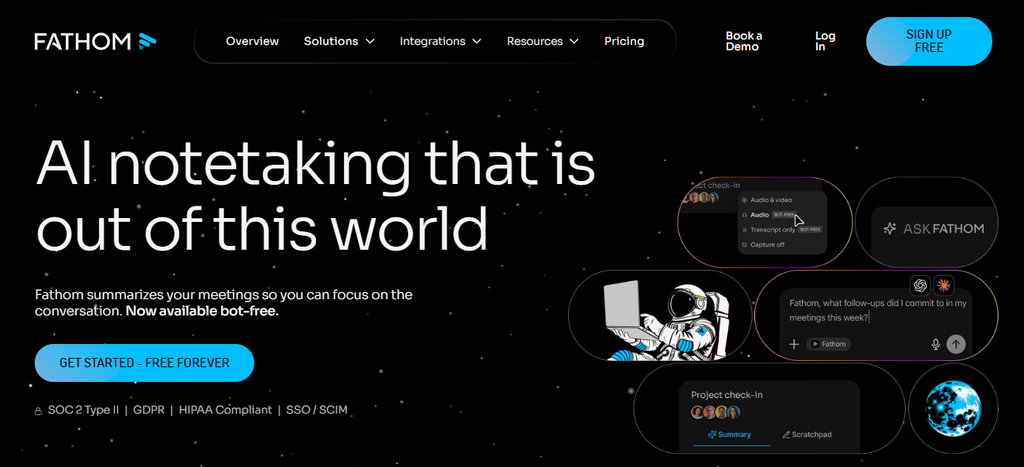
Fathom gives solo workers and small teams a free plan with no cap on recordings. Clips and playlists make it easy to pass key moments to teammates who were asleep during the call.
- Free plan: Unlimited recordings and transcripts, instant AI summaries, clips, playlists, and search across calls.
- Paid plans: Premium costs $16 per user each month on annual billing, or $20 on monthly billing. Team plans start at $15 per user on annual billing, with a two-user minimum.
- Languages: Transcripts in 38 languages.
- Platforms: Zoom, Google Meet, and Microsoft Teams, with a bot or a bot-free option that is still in beta on Mac.
A teammate in another time zone can watch a few clips instead of a full hour-long call. The main limit is coverage. Fathom records live calls on those three apps only, needs you on the call, and does not accept uploaded recordings. Advanced summaries and AI action items come with the paid plans.
Best for: solo remote workers and small teams that want shareable clips on a free plan.
2. Fireflies.ai
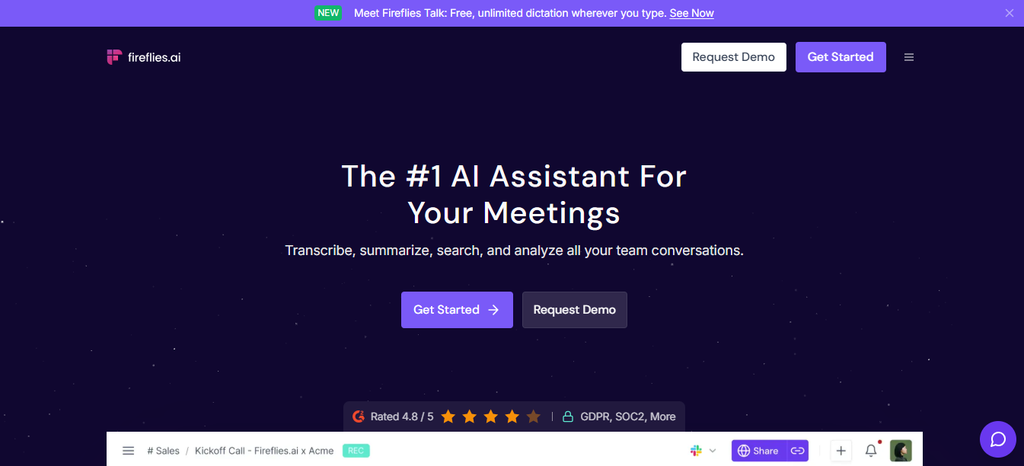
Fireflies.ai joins calls on many video apps and supports more languages than most tools in this list. Teammates can leave time-stamped comments and bookmarks on the transcript, so replies do not need a second call.
- Free plan: Unlimited transcription, limited AI summaries, 400 minutes of storage per team, and 20 AI credits.
- Pro: $18 per seat each month, or $10 on annual billing, with unlimited AI summaries and 8,000 minutes of storage per seat.
- Business: $29 per seat each month, or $19 on annual billing, with unlimited storage and team analytics.
- Languages: Transcription in more than 100 languages.
The AskFred assistant answers questions across past meetings, which helps a returning teammate catch up fast. AI features run on credits, with 20 on the Free and Pro plans and 30 on Business, so heavy users may run out. The free storage of 400 minutes is a little over six hours.
Best for: teams that meet in several languages and want comments on specific moments.
3. Otter.ai
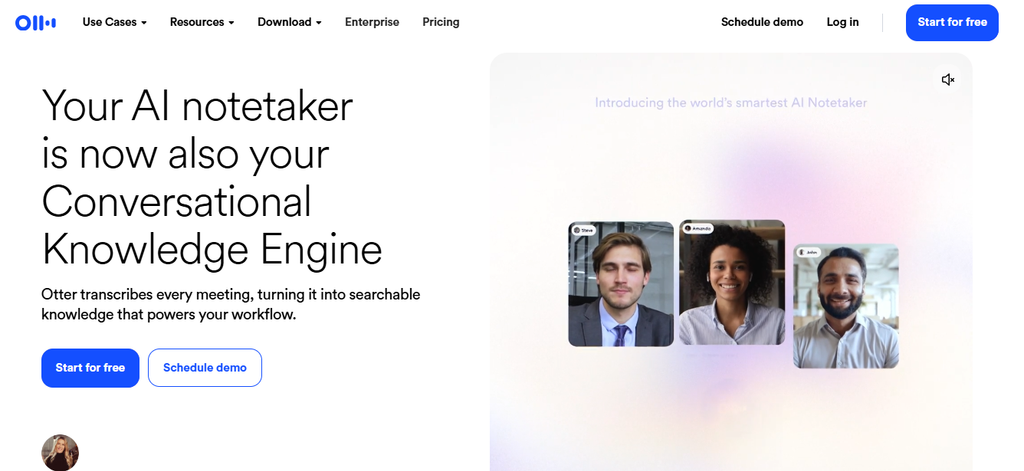
Otter.ai shows a live transcript during the call and keeps a searchable history. The iOS and Android apps can also record conversations away from a laptop.
- Free plan: 300 minutes each month, with a 30-minute limit per conversation and 3 lifetime file imports.
- Pro: $16.99 per user each month, or $8.33 on annual billing, with 1,200 minutes each month and meetings up to 90 minutes.
- Business: $30 per user each month, or $19.99 on annual billing, with unlimited meeting minutes and meetings up to 4 hours.
- Languages: AI transcription in English, Spanish, French, German, Japanese, and Chinese.
The free plan stops at 30 minutes per conversation, which is shorter than many team calls, so regular users usually need a paid plan. Language coverage is also narrower than Fireflies.ai, which lists more than 100 languages.
Best for: English-first teams that want live transcripts and a searchable archive.
4. Granola
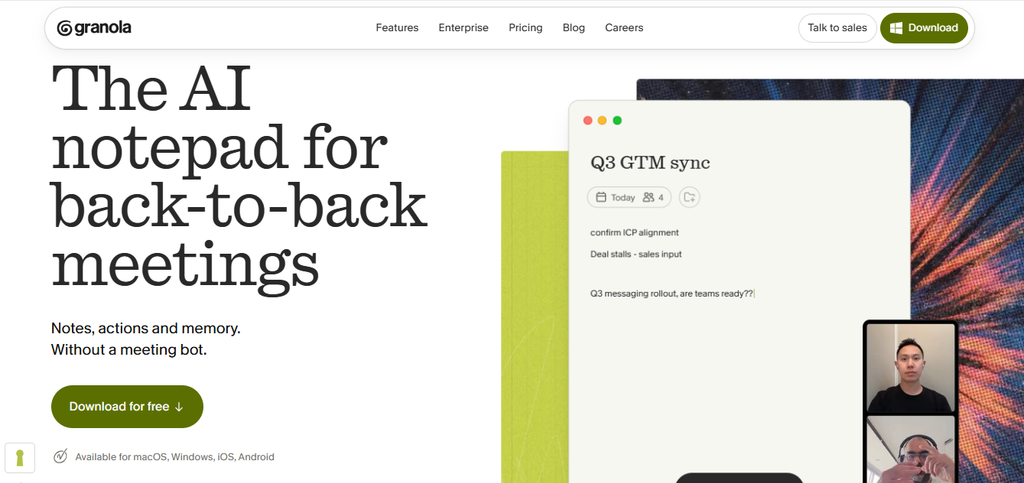
Granola captures audio through your own device, so no bot joins the call. Clients see no extra participant in the meeting.
- Free plan: Basic costs $0 and shows 30 days of meeting history.
- Business: $14 per user each month, with unlimited history and links to Notion, HubSpot, and Zapier.
- Platforms: Desktop, iOS, Android, and Apple Watch apps.
- In person: The iPhone app can transcribe in-person meetings and outgoing phone calls.
Device capture works with Zoom, Google Meet, Teams, and Slack huddles, plus talks with no call link at all. Granola leaves it to each user to tell others about the recording, so ask for permission first. According to comparison sites, desktop transcription covers about 10 languages, and the app does not process audio offline.
Best for: consultants and freelancers who meet clients both online and in person and prefer no visible bot.
5. Notta
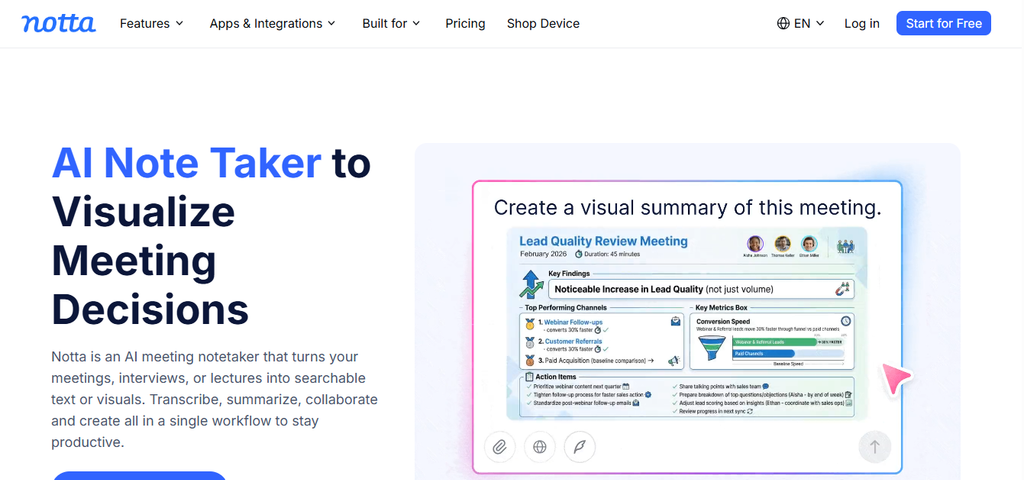
Notta is built for multilingual work, with bilingual transcription and live translation. Desktop apps for Mac and Windows record without a bot, and a Chrome extension captures audio from any browser tab.
- Free plan: 120 minutes each month, with a 3-minute limit per conversation, so it works only as a trial.
- Pro: $8.17 per month on annual billing ($97.99 per year), with 1,800 minutes each month, recordings up to 5 hours, transcript export, and transcript translation.
- Business: $16.67 per month on annual billing, with unlimited transcription and video recording of web meetings.
- Translation add-on: Bilingual transcription and translation costs $9 per month on annual billing, after 4 free uses each month.
Notta also lists an on-device transcription mode that keeps audio on your machine. The Pro limit of 1,800 minutes equals about 30 hours, which can run short for people who record several calls a day. The prices above are annual rates, and monthly billing costs more.
Best for: workers who handle clients or teammates in two languages.
6. Krisp
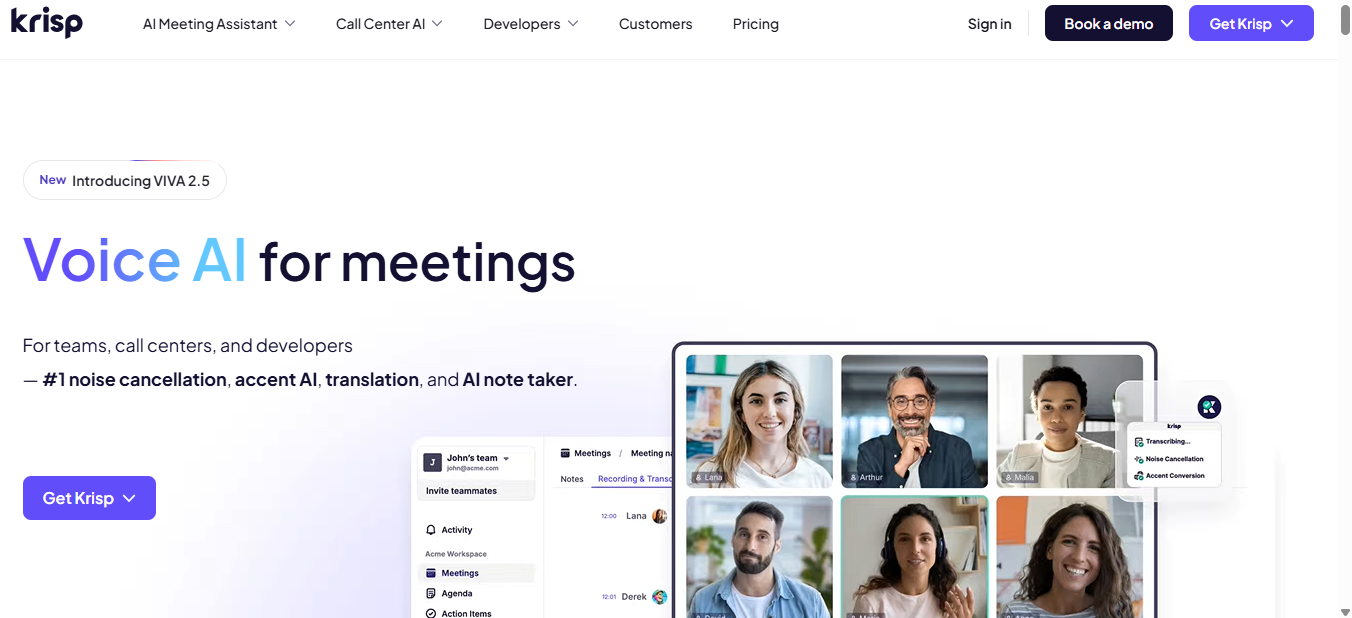
Krisp began as a noise-cancellation app and now includes a bot-free note taker. Its Core plan covers online meetings, in-person meetings, and a mobile app.
- Trial: A 7-day free trial with no credit card. The pricing page lists no permanent free plan.
- Core: $16 per user each month, or $8 on annual billing, with unlimited transcription, recording, AI notes, and noise cancellation.
- Languages: Transcripts and summaries in 16 languages.
- Storage: 10 GB on Core.
Krisp removes background noise from calls, which helps in cafes and coworking spaces. Good noise-cancelling headphones mainly block sound for the person wearing them, so Krisp covers the audio that the other people on the call hear. The 10 GB limit may fill up if you save many video recordings, and the trial ends after seven days.
Best for: people who work from cafes, coworking spaces, and shared rentals and want clean audio and notes in one app.
Picking a tool and planning your next move
Fathom and Fireflies.ai are easy first tests, since both offer a free plan with unlimited transcription. Notta fits teams that speak two languages, and Granola and Krisp suit people who meet in person or work from noisy rooms. Rules on recording differ by country, so tell everyone on the call before you start. Client calls also carry private details, so basic public wifi safety habits matter in cafes. When your next base is chosen, search flights to your next base on FlyBibe and take your notes with you.