

Spending in several currencies gets harder to follow with each border crossed. This guide compares seven apps that record an expense in the currency on the receipt and convert totals to a home currency. Each entry covers price, offline use, and one real limit.
What This List Looks For
The list looks for apps that suit someone who changes country often. An app should accept an expense in the local currency, convert it to a home currency, and keep working without a signal. Price, export, and sharing matter too.
The order goes from apps for tracking your own spending to apps for splitting costs with others. Wise sits in the middle because it records spending through its own debit card. Prices and features were checked on October 12, 2026. They can differ by country, so confirm them on each app’s own page.
1. TravelSpend
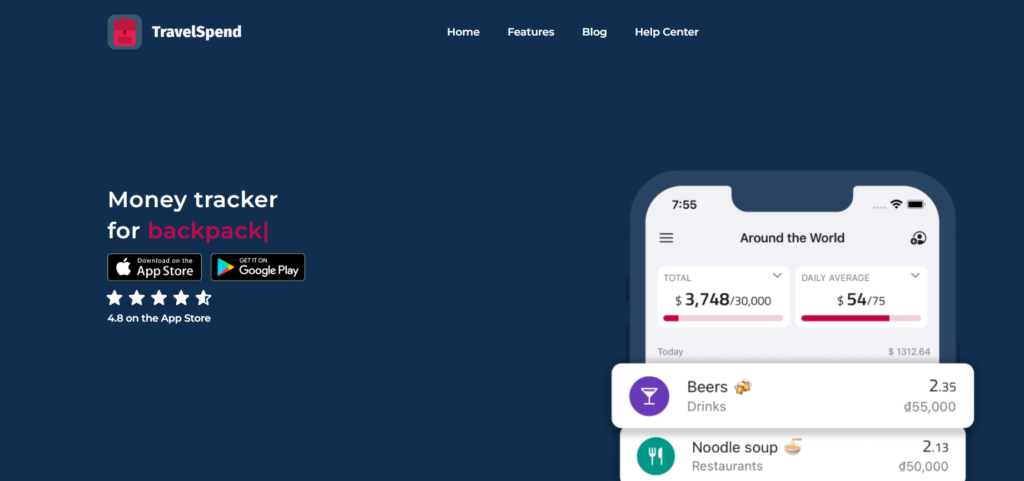
TravelSpend is a money tracker made for trips and long-term travel. It suits a solo nomad who wants to log each purchase quickly in whatever currency is on the bill.
- Currencies: Expenses can be added in any currency, and the app converts them to your home currency automatically, according to TravelSpend’s website.
- Offline use: Entries work without a connection and sync once the phone is back online.
- Sharing: A partner or friends can join the same trip, split costs, and see who owes whom.
- Cost: The basic app is free. A 2025 roundup listed Premium at about $1.99 a month, and the price may vary by store and region.
- Platforms: iOS and Android.
Reviews disagree on what the free plan includes. A 2022 review said CSV export needed Premium, while the current site mentions export without a note. Testing the free plan before a long trip is a simple way to avoid surprises. Each expense is entered by hand, which takes a few seconds but depends on a daily habit.
Best for: Solo nomads and couples who want a simple, travel-focused log that works offline.
2. Wallet by BudgetBakers
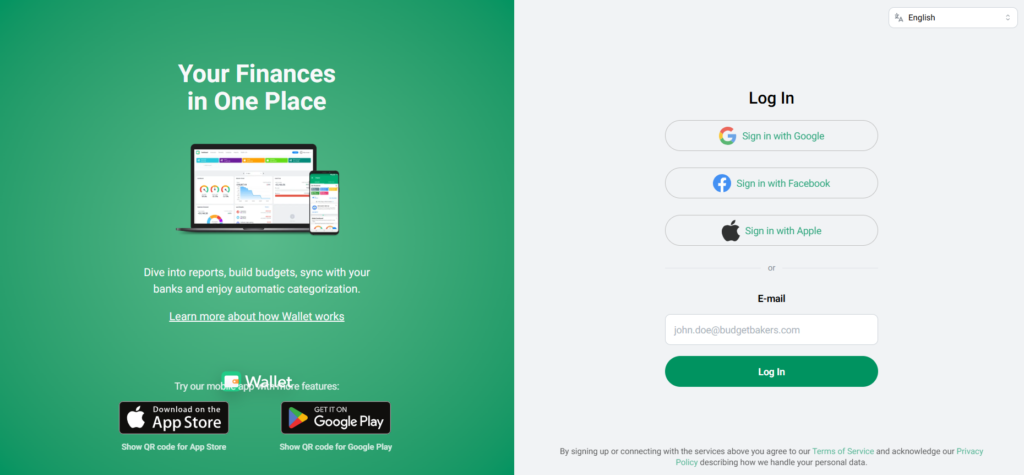
Wallet is a full budgeting app from a company based in Prague. It handles currencies through separate accounts.
- Currencies: One account holds one currency. A euro account and a dollar account are tracked separately, then added together in a home currency view.
- Exchange rates: Rates update automatically overnight. They can also be set by hand, or automatic updates can be switched off, according to BudgetBakers support.
- Cost: There is a free plan. Premium prices appear inside the app and vary by region, and app directories list them at roughly $2 to $4 a month.
- Bank sync: Finder’s review says the free plan is manual entry only. Bank connections come with Premium in supported countries.
This setup works well for a nomad who earns in one currency and spends in another. It gets clumsy on a trip through several countries, because each new currency needs its own account. Income that changes from month to month adds another layer. Our guide to budgeting with a variable income shows how to set a baseline.
Best for: Long-stay nomads who want category budgets and reports across a few currencies.
3. Spendee
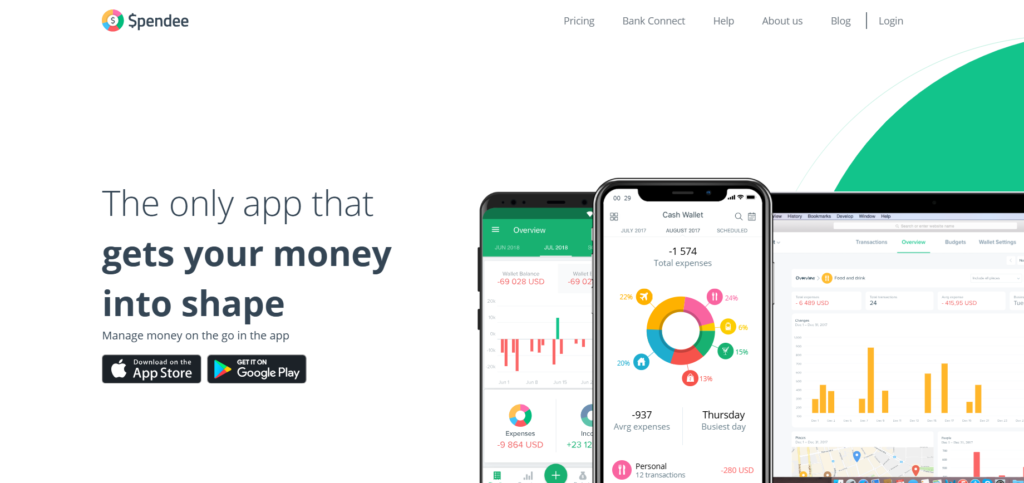
Spendee is a budgeting app that organizes money into wallets. Reviews describe using one wallet per currency, such as a euro wallet and a lira wallet.
- Cost: The Basic plan is free and includes one cash wallet and one budget. Plus costs $1.99 a month or $14.99 a year. Premium costs $5.99 a month or $35.99 a year, according to Spendee’s pricing page.
- Free trial: Paid plans start with a seven-day free trial, and prices differ by country.
- Exchange rates: A review by Frugal for Less says rates update daily and the default currency can be changed at any time.
- Sharing and banks: Paid plans allow shared wallets. Premium adds bank sync for supported banks.
The free plan limits you to one wallet, so tracking several currencies usually means paying. One App Store reviewer reported trouble editing exchange rates on transfers between currency wallets. Checking how the app handles rate changes during the free trial could save money later.
Best for: Couples who want shared wallets and are willing to pay for a plan.
4. Wise
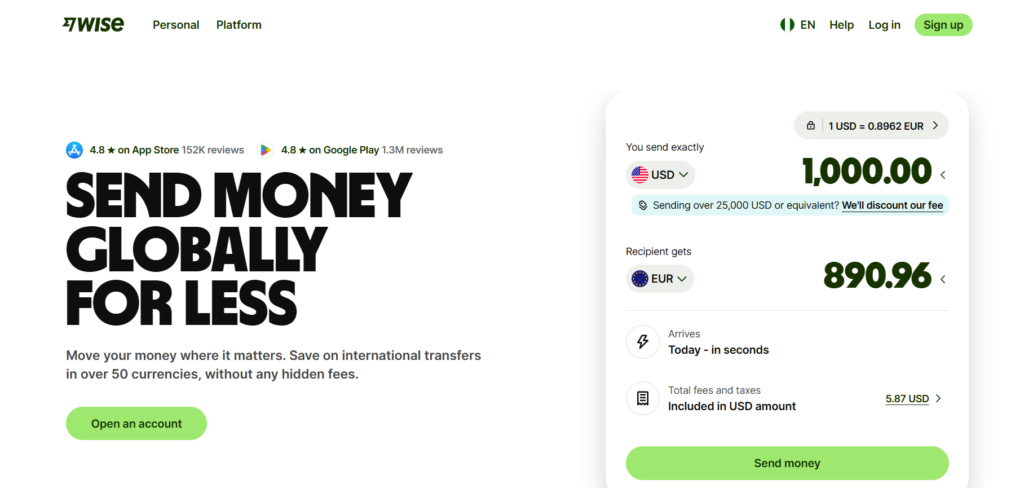
Wise is a money account with a debit card, and its app records each purchase. It belongs on this list because spending is logged as it happens, without typing anything.
- Currencies: A Wise account can hold and exchange 40 or more currencies. The card works in more than 150 countries, according to Wise.
- Fees: Spending a currency already in the account is free. Spending a currency not in the account adds a conversion fee, listed from about 0.6% depending on the country and currency.
- Smart conversion: If the needed currency is missing, Wise takes money from the balance with the lowest conversion fee. A default balance cannot be chosen. Moving money into a Jar keeps it from being spent.
- ATMs: Free withdrawals are limited each month. Wise updated how the allowance works from May 1, 2026, at least in Australia, so the current rule for your country is worth checking.
- Account cost: Opening a personal account is free. A physical card carries a one-time order fee that varies by country.
Wise records only money that moves through Wise. Expatica’s comparison notes that it is not a full budget planner, so many nomads pair it with one of the apps above. Account and card availability depends on where you live. Readers without local residency can start with our guide to opening a bank account without local residency.
Best for: Nomads paid in more than one currency who want spending recorded automatically.
5. Tricount
Tricount is a free app for splitting costs on trips. Its website promises no ads and no limits.
- Cost: Free, with no ads and no daily cap on expenses, according to Tricount.
- Currencies: The currency on the bill can be chosen for each expense. Tricount converts costs into one currency for the trip.
- Offline use: Tricount’s own comparison table lists offline use as available.
- Access: Available on iOS and Android, and it can be tried without signing up.
Tricount’s pages do not say where its exchange rates come from. Comparing a trip total with a bank statement shows how close the conversion is. The app is built around groups, so a solo nomad may prefer one of the personal trackers earlier in this list.
Best for: Friends or partners traveling together who want a free tool with no cap on entries.

6. Splitwise
Splitwise is a widely used app for shared bills. According to its App Store listing, the free version records expenses in any currency and supports offline entry.
- Currency conversion: Converting bills into one currency is a Pro feature. Splitwise says it uses the day’s exchange rates.
- Cost: Splitwise does not list a Pro price on its Pro page. An Android Central review gave about $4.99 a month or $39.99 a year, and prices vary by region.
- Other Pro features: Receipt scanning, charts, and unlimited daily expenses.
- Platforms: Web, iPhone, and Android.
Without Pro, each currency in a group stays separate, so totals do not combine. The Pro page lists unlimited daily expenses, which suggests the free plan caps how many can be added in a day. Tricount lists currency conversion as included at no cost, so Splitwise makes the most sense for groups already using it.
Best for: Groups that already use Splitwise and are ready to pay for conversion.

7. Settle Up
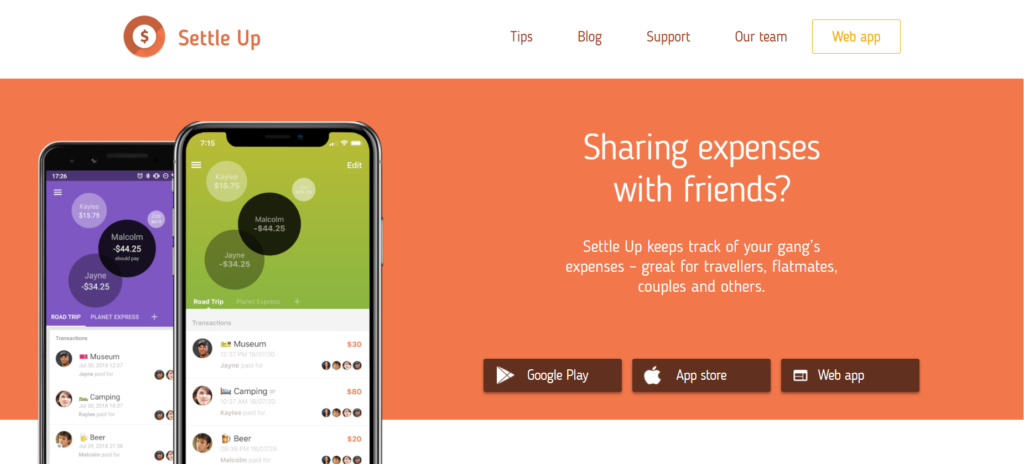
Settle Up tracks shared expenses and works on Android, iOS, Windows, and the web, according to its Microsoft Store listing.
- Currencies: Many currencies are supported, with exchange rates handled inside the app.
- Offline use: The app works without internet and syncs when the connection returns.
- Sharing: A group link lets members view balances in a browser without installing the app.
- Export: Email and CSV export are listed. The App Store listing places Excel export under Premium.
- Cost: Free, with Premium options. Premium adds no ads, receipt photos, categories, recurring transactions, and charts. A US dollar App Store listing showed one year of group Premium at $39.99.
Categories and charts sit behind Premium, so the free version works more like a list of who owes whom. Plans range from weekly to lifetime options, so it helps to match the plan to the length of the trip.
Best for: Travelers who use Windows or a browser and want group balances to work offline.
Pick One and Start Logging
Choosing between these apps usually depends on two questions. The first is whether you travel alone or with others. The second is whether you need budgets or only a running total. Once spending is tracked in one place, the next border crossing is easier to plan for. Search flights on FlyBibe to compare routes for your next base, then log the first ticket in the app that fits.
This article gives general information and is not financial advice. Prices and features change, so confirm them on each app’s own page before paying.